


News and Events
BdThemes Plugin Availability and Security Update
BdThemes plugins are back on WordPress.org and further safeguards have been added to our release process.

Al Suzaud Dowla is a Senior Content Strategist and Editor at BdThemes (Sigmative), converting intricate WordPress plugin architectures and web development workflows into practical, high-value tutorials and data-driven growth strategies.
Al Suzaud Dowla leads technical editorial operations as Senior Content Strategist and Editor at BdThemes (Sigmative). Bringing more than 9 years of specialized experience in WordPress engineering, SaaS and digital commerce, he focuses on transforming sophisticated technical features into intuitive, step-by-step guides for creators and developers.
Over his career, Suza has shaped high-impact content engines and organic search strategies for leading WordPress software brands: Brainstorm Force (Astra), weDevs (Dokan, WP ERP), SovWare and Themefic. His technical tutorials, strategic analyses and product workflows are also featured across global enterprise publications such as Atlassian and Hostinger.
At BdThemes, Suzaud’s editorial approach emphasizes deep technical verification and user empathy. Rather than producing generic overviews, every guide and case study is backed by live testing across WordPress setups, deep plugin feature exploration and comprehensive search optimization (SEO, GEO and AEO). His work directly connects core software functionality with tangible business results.
He studied BBA (Banking and Insurance) at the University of Dhaka. He also holds a Bachelor of Science in Business Administration (B.S.B.A.) with honors from the University of the People, supported by a hands-on technical foundation in HTML/CSS, PHP, JavaScript and Figma prototyping. He actively participates in the open-source community as a WordPress Translation Contributor and regular attendee of WordCamp conferences.
Core Focus: Empowering WordPress creators through high-clarity technical documentation, design workflows and data-backed search strategies.
Comprehensive operational guides, feature walkthroughs and deployment best practices for the BdThemes product suite.
In-depth guides and architectural walkthroughs helping designers and developers build advanced dynamic layouts with Elementor widgets.
In-depth technical breakdowns of work breakdown structures (WBS), cost-benefit analyses and operational planning frameworks for agile and technical teams.
Step-by-step technical guides on building advanced directory portals, custom modal systems and high-performance WordPress sites.
Visit his portfolio or work samples to get a glimpse of his writing.
BdThemes plugins are back on WordPress.org and further safeguards have been added to our release process.
![Troubleshooting Common Import/Export Kit Errors [Fixing Guide]](/blog-media/troubleshoot-common-import-export-kit-errors/Troubleshooting-Common-Import.Export-Kit-Errors-Causes-and-Solutions.webp "Troubleshooting Common Import/Export Kit Errors [Fixing Guide]")
Fix Elementor Import/Export Kit errors fast. Causes and solutions for invalid zip files, PHP zip, memory limits, timeouts, permissions, and plugin conflicts.
Compare 8 WooCommerce subscription plugins by price, automatic gateways, retries, plan switching, boxes, memberships, analytics and limitations.
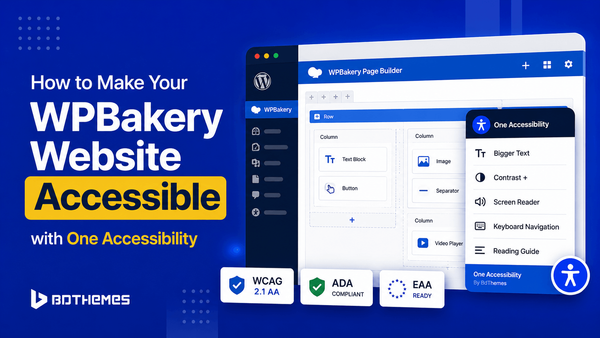
Make website accessible and improve web inclusivity by combining the flexible layout power of WPBakery with user-controlled One Accessibility.
Explore the 9 best WordPress dark mode plugins to transform your site instantly with scheduled modes, OS-based switching and custom toggles.
Optimize your website workflow by using Smart Admin Assistant, One Accessibility and Sigma Forms to automate tasks and simplify site management.
This tutorial shows how to create contact form with AI to automate responses, improve user experience and save valuable time.
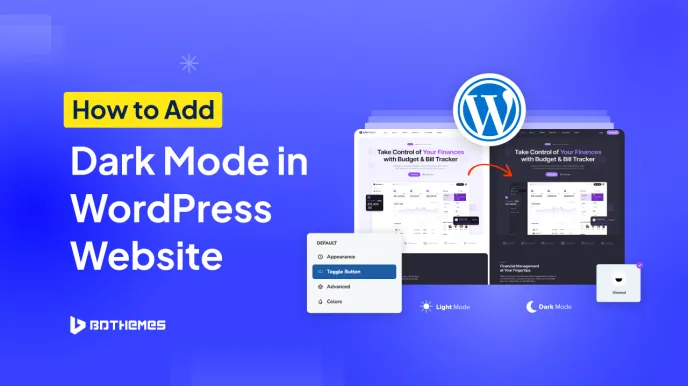
To add dark mode in WordPress, enable Dark reader on your site. Then, in the settings panel, adjust the color contrast and grayscale of the dark theme. From the advanced settings, enable dark mode automatic scheduling.
Showing 8 of 18 articles
Use BdThemes plugins to bring Elementor widgets, Gutenberg blocks, WooCommerce tools, and practical workflow controls into one WordPress setup.
60-day refund · 24/7 support