
Running a WooCommerce store without the right form builder is a bit like running a restaurant without a menu. Technically possible but confusing, frustrating and very likely to send customers elsewhere.
Here’s the hard truth: WooCommerce’s default forms are bare-bones. They weren’t designed to help you collect custom product details, personalize the customer journey, or make your checkout feel like it belongs to your brand.
And when you consider that the average cart abandonment rate sits at around 70% (Baymard Institute). That’s exactly what a WooCommerce form builder fixes.
Whether you need to add custom fields to your product pages, streamline checkout, or build multi-step order forms, the right plugin gives you that flexibility without touching a line of code.
In this guide, we’ve done the research so you don’t have to. We’ll cover what WooCommerce form builders actually are, why you need one and the 14 best WooCommerce form builder plugins available in 2026.
What is a WooCommerce Form Builder?
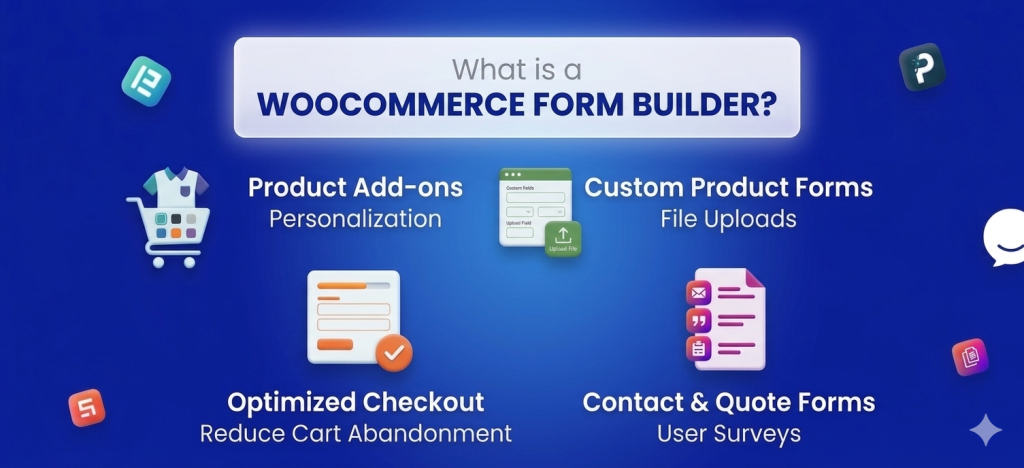
A WooCommerce form builder is a plugin or tool that allows store owners to create, customize and manage forms within their WooCommerce environment, without writing custom PHP or hooking into filters manually.
These forms generally fall into three categories:
- Product forms let customers configure items before adding them to the cart: selecting size, color, personalization text, uploading files, or choosing add-ons. This is what makes the WooCommerce product customization form experience feel premium rather than generic.
- Checkout forms are about controlling what data you collect at checkout, by adding, removing, or reordering fields so that only relevant information is requested. A leaner, smarter build custom checkout form WooCommerce means fewer drop-offs at the most critical stage.
- Custom user input forms include contact forms, quote request forms, survey forms, order inquiry forms and registration forms. Essentially, any form that collects structured information from a visitor or customer.
For Elementor users, a WooCommerce form builder Elementor integration is particularly valuable because it lets you design forms visually inside the same environment where you’re building the rest of your store.
These tools matter enormously for conversions and UX. Research from Venture Harbour found that optimizing form field count can lead to conversion uplifts of 87% or more. Meanwhile, 18% of customers abandon checkout specifically because forms feel too long or complicated (Baymard Institute).
The right WooCommerce custom form builder is one of the highest-ROI investments a store owner can make.
Why You Need a WooCommerce Form Builder?

WooCommerce ships with functional but inflexible defaults.
The checkout form gives you a fixed set of billing and shipping fields, with limited ability to modify them without custom code.
Product pages offer no native mechanism to collect personalized input from customers. If you want to add custom fields to WooCommerce product pages like engraving text, gift messages, or configuration choices, you’re on your own unless you bring in a dedicated plugin.
The same applies to order forms, quote requests and any kind of customer-specific data collection. Default WooCommerce forms are simply not built for modern, customized commerce.
Beyond just fixing limitations, a good WooCommerce form plugin actively improves your store’s performance:
- Better UX: Forms that match your brand, collect only relevant data and present steps logically make the shopping experience feel seamless rather than bureaucratic.
- Increased conversions: Removing friction from the checkout and product selection process directly reduces abandonment. According to research by Baymard Institute, 48% of shoppers abandon due to unexpected costs or confusing forms. Custom forms solve this by presenting only what’s needed, when it’s needed.
- Personalization: With dynamic fields and conditional logic, you can create WooCommerce dynamic form builder experiences that adapt based on customer choices, like showing a gift message field only if “Gift Wrap” is selected.
- Data collection: Custom forms turn routine transactions into opportunities to learn about your customers, gathering preferences, feedback and segmentation data that informs your marketing strategy.
If you’re already using Elementor and WooCommerce together, you know how much power lives in that combination. For a deeper look at building your store, check out our guide on how to design an e-commerce website with Elementor and WooCommerce.
12 Best WooCommerce Form Builder Plugins in 2026
There’s no shortage of WooCommerce form builder options in the market.
Below, we’ve curated the plugins that are verified to be compatible with WooCommerce, reviewed their key features honestly and included pricing so you can match a tool to your budget.
1. Element Pack Pro Form Widget
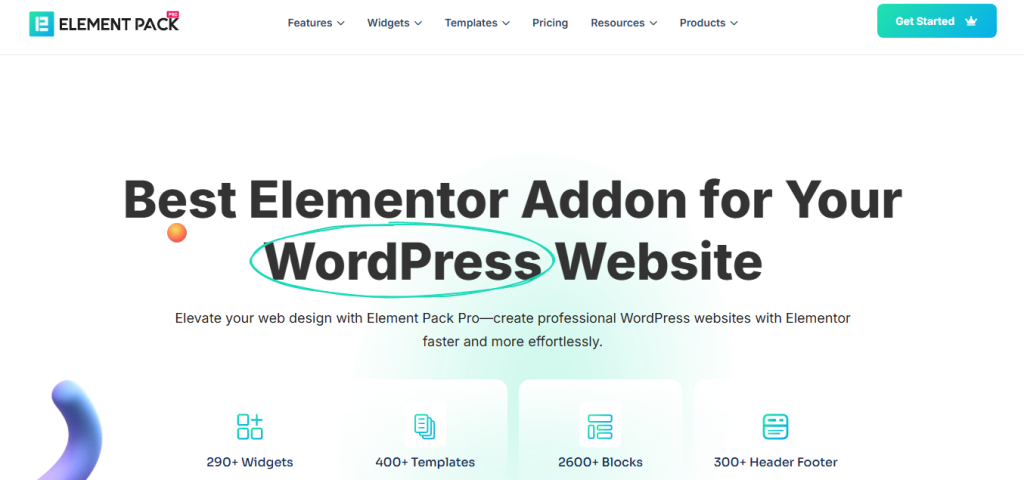
If you’re already building your store with Elementor, Element Pack Pro by BdThemes is the most natural starting point for WooCommerce forms. It’s not just a form plugin. It’s a full Elementor addon suite with 300+ widgets, including a dedicated form widget and a complete set of WooCommerce-specific elements like a checkout page builder, cart page widget, tracking form and mini-cart.
Best for: Elementor users building WooCommerce stores who want their forms and store design managed inside one cohesive plugin ecosystem.
Key features:
- Drag-and-drop form builder inside the Elementor editor
- WooCommerce Checkout Page widget for building custom checkout forms WooCommerce natively in Elementor
- WooCommerce Tracking Form widget for real-time order status forms
- Multi-field form types including text, dropdowns, file uploads, date pickers and more
- Conditional logic and validation controls
- Seamless WooCommerce, ACF and EDD integration
- 2,700+ ready-made templates, many built for eCommerce
- Trusted by 4M+ all-time downloads, rated 4.7/5 on WordPress.org and 4.5/5 on G2
Use case: A jewelry store using Elementor can build a fully branded WooCommerce product form with engraving text input, file upload for custom designs and a real-time price estimator, all inside the Elementor editor without a separate form plugin. For a full look at how Element Pack handles WooCommerce checkout customization, read the documentation here.
Pricing: Free version available. Pro plans start at $49/year for a single site, with lifetime agency plans available.
Since Element Pack Pro handles the full WooCommerce design layer including forms, the logical complement for store-focused builds is a plugin that goes even deeper into WooCommerce-specific widgets. That’s where the next option comes in.
2. Ultimate Store Kit
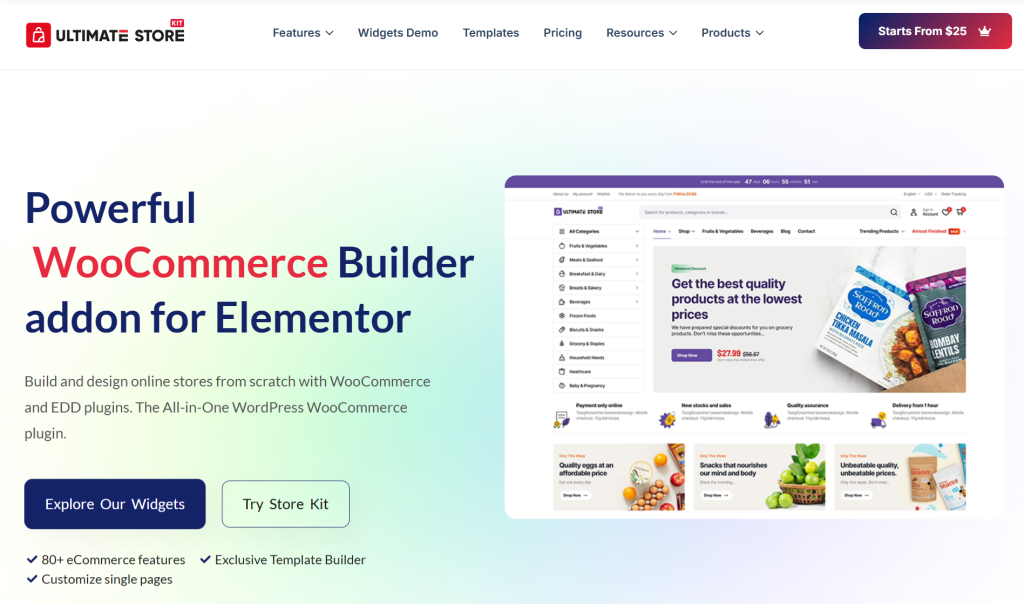
Ultimate Store Kit is BdThemes’ dedicated WooCommerce and EDD design plugin for Elementor, purpose-built for store owners who want complete control over every page of their online store, including the checkout form.
Best for: WooCommerce store owners using Elementor who want a dedicated WooCommerce form builder for product options, checkout and account pages, with 80+ store-specific widgets in one place.
Key features:
- Checkout Billing Address widget to build and customize your branded checkout billing address form
- Checkout Coupon Form, Checkout Login Form, Checkout Shipping Form and Checkout Payment widgets, each individually controllable for WooCommerce form builder Elementor integration
- Single Product page builder with custom field support for a full WooCommerce product customization form experience
- Product Reviews, Variation Swatches and Image Hotspot widgets
- 80+ WooCommerce-specific Elementor widgets covering shop, cart, checkout, account and order pages
- Template builder for all store pages, zero coding required
- Fully compatible with WooCommerce, EDD and Download Monitor
- 5,000+ active installations, 60-day money-back guarantee
Use case: A fashion store can use Ultimate Store Kit to build a fully custom checkout form with branded billing fields, an inline coupon input and a login option, all styled to match their brand using Elementor’s design controls. With over 80 WooCommerce widgets, it’s one of the most complete WooCommerce form builder plugin options available for Elementor users. BdThemes has a great write-up on the best WooCommerce addons for Elementor if you want to explore complementary tools.
Pricing: Free version available. Pro plans start at $59/year for a single site, with a lifetime option also available.
3. JetFormBuilder
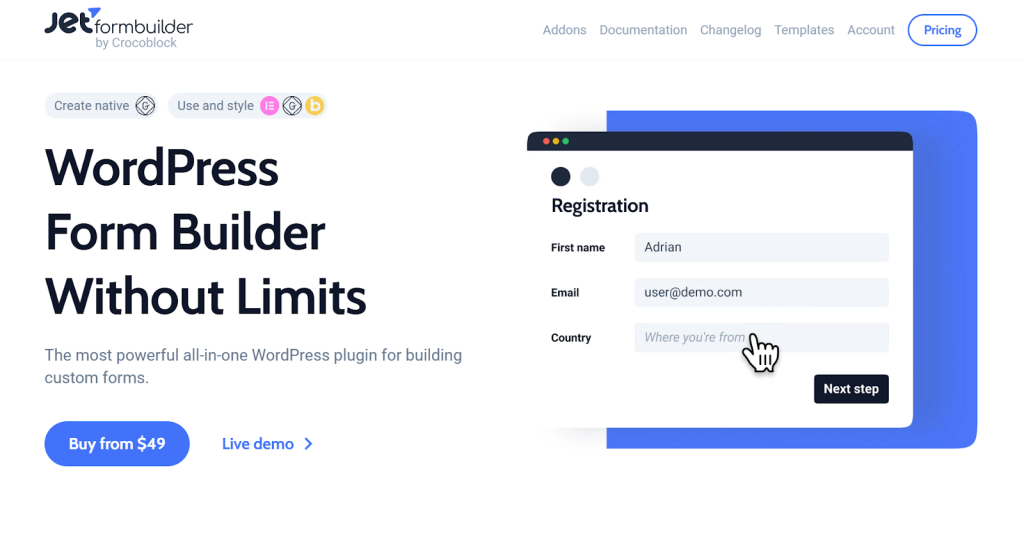
JetFormBuilder is a powerful Gutenberg-based form builder from Crocoblock with native WooCommerce integration through a dedicated WooCommerce Cart & Checkout Action add-on. It lets you build advanced product forms inside the Gutenberg editor and link form submissions directly to WooCommerce’s cart and checkout flow.
Best for: Gutenberg users and developers who need advanced conditional logic, multi-step forms and tight WooCommerce integration including dynamic pricing and add-to-cart actions.
Key features:
- WooCommerce Cart and Checkout Action add-on that adds products to the cart from a form and redirects to checkout
- Support for dynamic pricing, variable products and subscription products
- Conditional logic, calculated fields, multi-step forms with progress indicators
- Payment integrations including WooCommerce, Stripe and PayPal
- Gutenberg-native editor with real-time preview
- Works with Elementor, Bricks and other builders via shortcode
- Free version available on WordPress.org with a generous feature set
Use case: A custom furniture store can use JetFormBuilder to build a WooCommerce product form where customers choose dimensions, materials and upholstery options, with the price calculating in real time before the order is sent directly to WooCommerce checkout. This makes it one of the strongest options for how to create custom product forms in WooCommerce with dynamic logic.
Pricing: Free version available. Pro add-ons start from $49 per add-on. Full Crocoblock bundle pricing also available.
4. WPForms
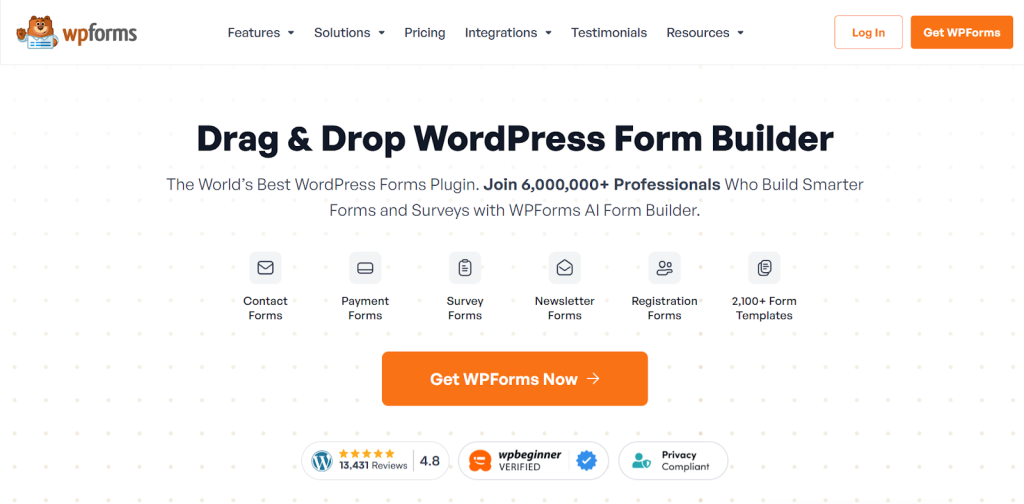
WPForms is one of the most widely used form plugins on WordPress, with a beginner-friendly drag-and-drop interface and solid WooCommerce integration through its payment and CRM add-ons. With 6 million+ active installs and 2,100+ form templates, it’s one of the most accessible WooCommerce form builder without coding options in the market.
Best for: Beginners and small store owners who want a quick, polished WooCommerce form plugin for order forms, contact forms and payment-linked forms.
Key features:
- Visual drag-and-drop form builder with no coding required
- WooCommerce integration for sending form data to orders and customer records
- 2,100+ pre-built form templates including WooCommerce-specific options
- Conditional logic, multi-page forms and file uploads
- Payment integrations with Stripe, PayPal, Square and Authorize.Net
- Form abandonment tracking to recover incomplete submissions
- Elementor widget included for embedding forms in Elementor pages
Use case: A boutique candle shop can create a WooCommerce forms-powered gift order form with conditional fields for personalization text and a direct payment link, all built in under 10 minutes using WPForms’ template library.
Pricing: Free version available at WordPress.org. Premium plans start at $99/year (promotional pricing), renewing at full price. Elite plan at $299.50/year for unlimited sites.
5. Gravity Forms
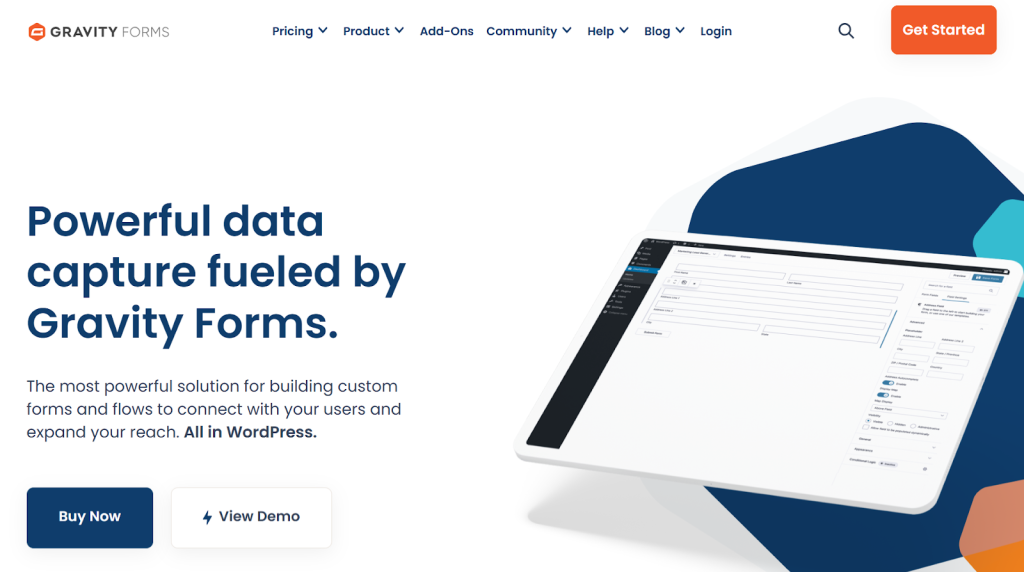
Gravity Forms is a premium-only powerhouse and the go-to WooCommerce form builder plugin for developers and agencies who need rock-solid reliability and a mature ecosystem of third-party add-ons. Its official WooCommerce Product Add-Ons extension, available on the WooCommerce Marketplace, has been connecting Gravity Forms to WooCommerce since 2011.
Best for: Developers, agencies and established stores needing complex WooCommerce product form customization step by step, with dynamic pricing, conditional logic and complete order data integration.
Key features:
- Gravity Forms Product Add-Ons for WooCommerce, which passes full form data through cart, checkout and orders
- Dynamic pricing that updates in real time based on form field selections
- Conditional logic, multi-page forms, file uploads, date pickers and calculations
- Gravity Forms entry linked to every WooCommerce order for complete data traceability
- Compatible with WooCommerce Cart and Checkout Blocks (HPOS-ready)
- Large ecosystem of Gravity Perks add-ons for advanced product configurator use cases
- Compatible with Elementor for embedding in store pages
Use case: A custom apparel store can build a WooCommerce form builder for product options where customers select size, print location and artwork upload, with real-time price updates and have every order detail passed through to WooCommerce’s order management system.
Pricing: Premium-only. Plans start at $59/year for the Basic license. WooCommerce Product Add-Ons extension is an additional purchase.
6. Formidable Forms
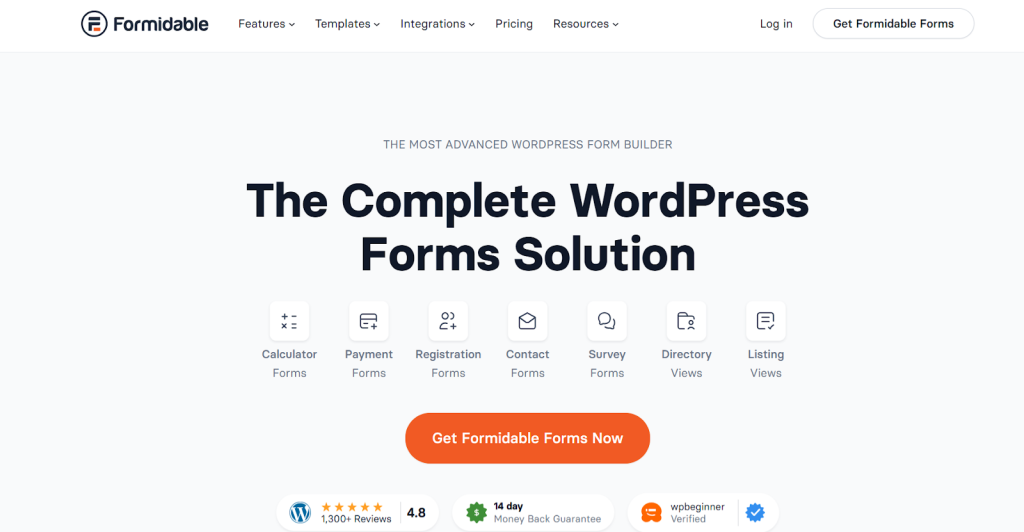
Formidable Forms is exceptional when your WooCommerce forms need to do more than collect data, like powering a front-end calculator, directory, or dynamic display. It’s one of the most feature-rich WooCommerce form builder options for data-driven applications.
Best for: Store owners and developers who need advanced data management capabilities, including calculators, directories and front-end views built from form data, integrated with WooCommerce.
Key features:
- WooCommerce integration for payment forms and order-linked data collection
- Built-in front-end view builder to display form entries as directories or listings
- Repeater fields, calculated fields and formula-based outputs
- Conditional logic, multi-step forms and conversational form mode
- REST API support for custom integrations
- Visual form styler and responsive layouts
- Free core plugin available; premium features like Views and payments require a paid plan
Use case: A custom home furnishings store can create WooCommerce forms where customers fill in room dimensions and the form automatically calculates a quote that feeds directly into a WooCommerce product for checkout. This approach makes Formidable one of the best options to build custom checkout form WooCommerce experiences driven by calculated pricing.
Pricing: Free core plugin available. Basic premium plan starts at $39.50/year.
7. Fluent Forms
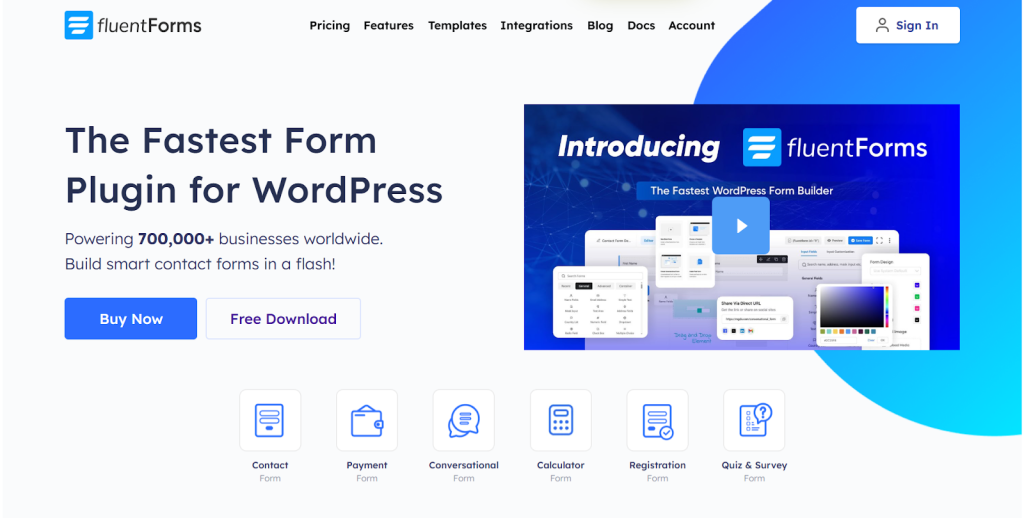
Fluent Forms has gained rapid traction as a lightweight, high-value alternative to more expensive WooCommerce form plugins. With 500,000+ active installs, it offers a feature-rich free version and affordably priced premium plans, including rare lifetime licensing. It integrates with WooCommerce for payment forms and supports Elementor embedding.
Best for: Budget-conscious store owners who want a full-featured WooCommerce custom fields plugin and form builder without the high renewal costs of competitors.
Key features:
- WooCommerce payment form integration with real-time inventory management
- Drag-and-drop form builder with 45+ field types
- Conditional logic, multi-step forms and conversational form mode
- Built-in integrations with 40+ services including Stripe, PayPal, Mailchimp and HubSpot
- Personality quizzes, coupon codes and reporting dashboard included
- Elementor widget for embedding in WooCommerce store pages
- All premium features available on all paid tiers
Use case: A subscription box service can use Fluent Forms to build a create custom forms WooCommerce subscription preference form, letting customers select flavors, quantities and delivery frequency, with WooCommerce handling the recurring payment.
Pricing: Free version available at WordPress.org. Premium plans start at $79/year for a single site; lifetime plans also available.
8. Ninja Forms

Ninja Forms is one of the longest-standing WooCommerce form plugins in the ecosystem, with a free core plugin and a modular add-on approach that lets you pay only for the features you need. While the addons pricing can add up, the core plugin is powerful enough for most basic WooCommerce form needs.
Best for: Store owners who want a solid free starting point for WooCommerce forms and the flexibility to add specific integrations one at a time.
Key features:
- Drag-and-drop form builder with a clean, user-friendly interface
- WooCommerce integration add-on available for connecting forms to product and checkout data
- Conditional logic, multi-step forms, file uploads
- Email notifications and submission management built-in
- Spam protection with reCAPTCHA, Akismet and honeypot
- Shareable form links for use in email campaigns and social media
- Large ecosystem of integrations for email marketing, CRM and payment tools
Use case: A handmade goods store can use Ninja Forms to create custom forms WooCommerce product inquiry form, letting customers ask questions about a specific product before purchasing, with submissions routed directly to the relevant store manager.
Pricing: Free core plugin available. Individual add-ons range from $29 to $129. Bundled membership plans also available with first-year discounts.
9. Contact Form 7

Contact Form 7 is the original WordPress form plugin, free, lightweight and used on millions of sites. For WooCommerce, it doesn’t have native integration out of the box, but through extensions and third-party connectors it can be used to add basic custom forms plugin functionality to your store.
Best for: Store owners with simple form needs (contact forms, inquiry forms) who want a zero-cost, proven solution for basic WooCommerce forms.
Key features:
- Completely free, no premium tiers
- Shortcode-based form embedding on any WooCommerce store page
- CAPTCHA, Akismet and honeypot spam protection
- Compatible with virtually every WordPress theme and page builder including Elementor (via forminator widget)
- Extensible through a wide library of add-ons for WooCommerce-specific functionality
- Lightweight with minimal impact on site performance
Use case: A small handcrafted furniture store can use Contact Form 7 to add a simple product inquiry form to each WooCommerce product page, allowing customers to ask about customization options before purchasing.
Pricing: Free. No premium version.
Note: Contact Form 7’s WooCommerce integration requires third-party add-ons and is more limited than purpose-built WooCommerce form builder options. For complex product form customization, one of the earlier options in this list will serve you better.
10. WS Form
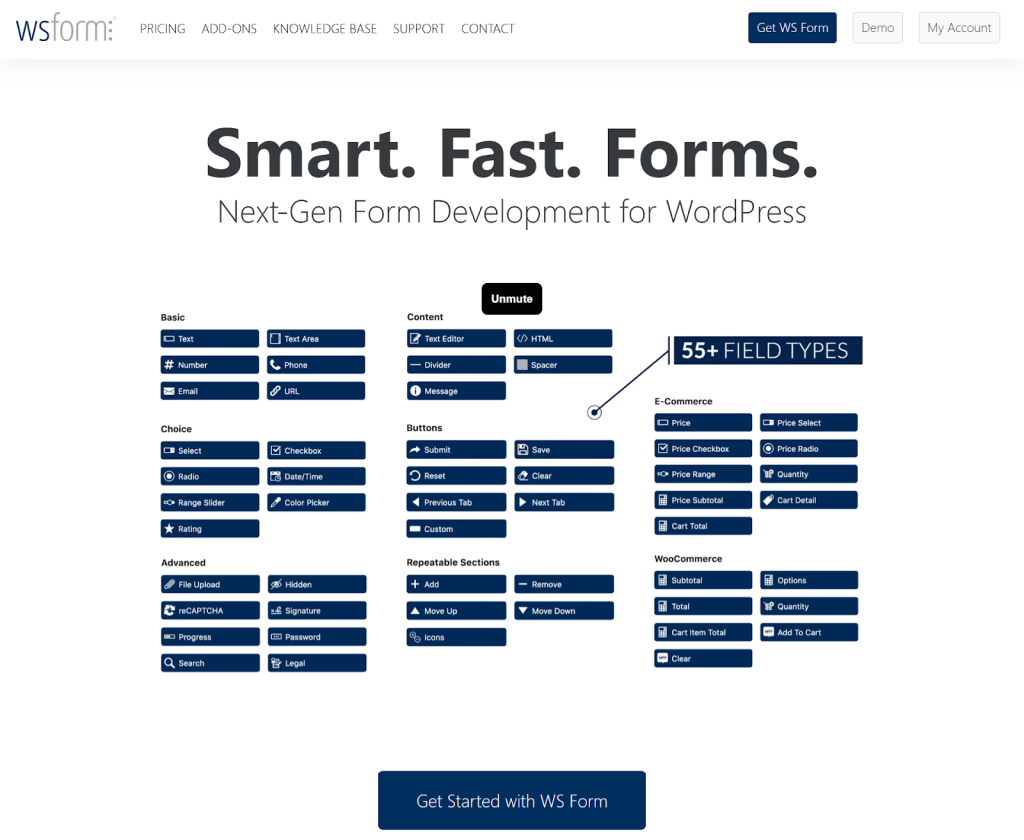
WS Form is often cited by developers as the most advanced WordPress form builder for WooCommerce integration, with deep native support that goes beyond what most competitors offer, including full WooCommerce Blocks compatibility and extensive field mapping.
Best for: Developers and advanced store owners who need the deepest possible WooCommerce form builder integration, including block-based checkout support and complex data mapping.
Key features:
- Deep WooCommerce integration including product forms, checkout fields and order data
- Compatible with WooCommerce Blocks (block-based cart and checkout)
- 50+ field types including signature, rating, date/time pickers and repeater fields
- Conditional logic, multi-step forms and calculated fields
- Full Elementor, Divi and block editor compatibility
- REST API, webhook support and advanced developer tools
- Debug console for troubleshooting form issues
Use case: A complex B2B WooCommerce store can use WS Form to create advanced product forms WooCommerce with customer-specific pricing, company field mapping to existing CRM records and conditional checkout field logic, all feeding into WooCommerce order management with full data fidelity.
Pricing: Free version available. Premium plans start at $149/year.
11. ARForms
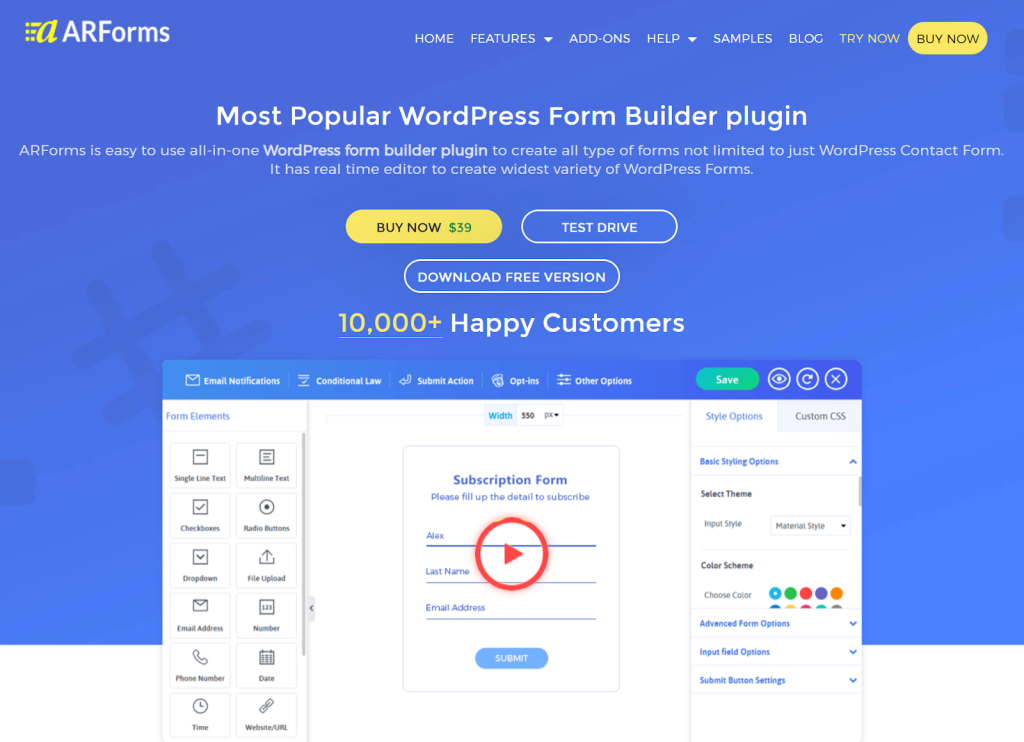
ARForms is a mature, feature-rich WooCommerce form plugin with a clean drag-and-drop interface, 28+ field types and a one-time purchase model that makes it attractive for store owners who want to avoid recurring fees.
Best for: Store owners who want a visually polished WooCommerce form builder without a subscription, with good conditional logic and a design-forward interface.
Key features:
- Real-time drag-and-drop form builder with 28+ field types
- WooCommerce integration for payment forms and order data collection
- Conditional logic, multi-step forms with progress indicators and math logic
- Built-in popup builder for form display
- Pre-built templates for various niches including WooCommerce product forms
- Google reCAPTCHA and Akismet spam protection
- Webhooks and Zapier integration for workflow automation
Use case: A beauty supply WooCommerce store can use ARForms to build a skin type quiz that recommends products, with the completed form feeding into a personalized WooCommerce product form with pre-selected add-ons.
Pricing: One-time lifetime license at $39.
12. Quform
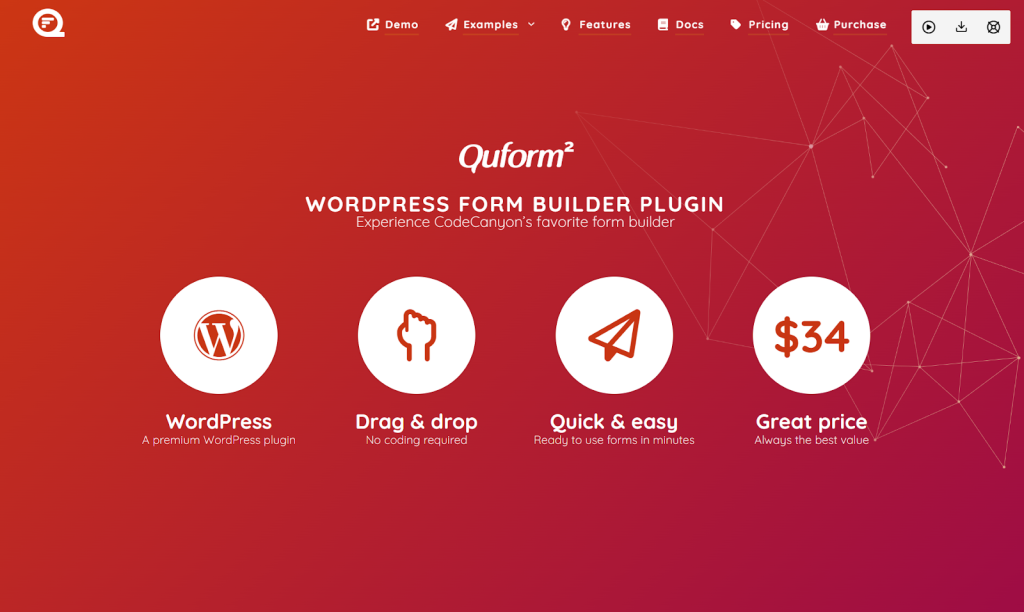
Quform is a value-focused WooCommerce custom form builder available as a one-time purchase on CodeCanyon. It offers a real-time preview editor, 19+ field types and a simple theming system, making it a practical choice for stores that need clean, functional forms without complexity.
Best for: Budget-focused store owners who want a one-time purchase WooCommerce form builder without coding, with clean styling and solid entry management.
Key features:
- Real-time preview drag-and-drop editor
- 19+ field types including file uploads, date pickers and checkboxes
- Multi-page forms with conditional logic
- Easy theming system with custom CSS support
- Responsive and mobile-friendly layouts
- 9 validators and 6 filters for form data control
- Export form entries to CSV and other formats
- Elementor compatible for embedding in WooCommerce store pages
Use case: A small WooCommerce gift shop can use Quform to add a custom gift message and wrapping preference form to its checkout page, collecting just the additional details needed without overcomplicating the purchasing flow.
Pricing: One-time license at $34 for a single site (Extended License at $169/year).
Comparison Table of WooCommerce Form Builders
| Plugin | Best For | Ease of Use | WooCommerce Support | Ideal Users |
| Element Pack Pro | Elementor WooCommerce stores | ⭐⭐⭐⭐⭐ | Native (checkout, cart, tracking, product widgets) | Elementor store owners |
| Ultimate Store Kit | Full WooCommerce page building | ⭐⭐⭐⭐⭐ | Native (80+ WooCommerce widgets) | Elementor store designers |
| JetFormBuilder | Gutenberg + dynamic pricing | ⭐⭐⭐⭐ | Via WooCommerce Cart & Checkout add-on | Developers, Gutenberg users |
| WPForms | Beginners | ⭐⭐⭐⭐ | Via add-ons and integrations | Beginners, small stores |
| Gravity Forms | Complex product configurators | ⭐⭐⭐⭐ | Via official WooCommerce Product Add-Ons | Developers, agencies |
| Formidable Forms | Data-driven applications | ⭐⭐⭐⭐ | WooCommerce payment and data integration | Power users, developers |
| Fluent Forms | Budget-conscious stores | ⭐⭐⭐⭐ | WooCommerce payment and order forms | Value seekers |
| Ninja Forms | Modular add-on approach | ⭐⭐⭐⭐ | Via WooCommerce integration add-on | Flexible budget users |
| Contact Form 7 | Basic inquiry forms | ⭐⭐⭐ | Via third-party extensions | Simple form needs |
| WS Form | Developer-grade integration | ⭐⭐⭐ | Deep native WooCommerce Blocks support | Advanced developers |
| ARForms | Design + one-time cost | ⭐⭐⭐⭐ | WooCommerce payment forms | Lifetime license seekers |
| Quform | Budget one-time purchase | ⭐⭐⭐⭐ | Elementor embed + WooCommerce-compatible | Budget stores |
Key Features to Look for in a WooCommerce Form Builder
Choosing the right WooCommerce form builder plugin comes down to matching features to your specific use case. Here’s what matters most:
- Drag-and-drop builder is table stakes in 2026. If a form builder still requires shortcodes or PHP to create basic fields, it’s not appropriate for most modern store workflows. Every tool on this list offers some form of visual building, though the quality varies.
- Conditional logic is what separates a WooCommerce dynamic form builder from a static one. You want to show a “Gift Message” field only when “Gift Wrap” is selected, or display a “Business Name” field only for B2B customers. Without conditional logic, forms become either too long or too incomplete.
- Multi-step forms help reduce cognitive overload on complex product configuration or checkout forms. Breaking a 15-field form into three logical steps has been shown to significantly improve completion rates and it’s a key feature in WooCommerce form builder without coding tools like JetFormBuilder, Fluent Forms and WPForms.
- Payment integrations matter if you want form submissions to trigger WooCommerce transactions directly. This is essential for build custom checkout form WooCommerce use cases and plugins like JetFormBuilder and Gravity Forms handle this particularly well.
- File uploads are indispensable for stores selling personalized products, allowing customers to submit logos, artwork, or photos as part of their order form.
- Elementor compatibility is critical for the large share of WooCommerce stores built with Elementor. The best WooCommerce form builder Elementor options, like Element Pack Pro and Ultimate Store Kit, integrate natively into the Elementor editor itself rather than requiring a separate embedding step.
- WooCommerce integration depth varies considerably. Some plugins offer only basic data passing; others like WS Form and Gravity Forms with Product Add-Ons provide complete order-level integration where form data flows through cart, checkout, emails and order management screens.
If you’re already using Elementor and want to manage your forms alongside the rest of your site design, check out how survey and online forms in WordPress work and guide on creating contact forms with pre-built templates. For stores also using Sigma Forms by BdThemes as their general form builder, this overview covers how it streamlines the process.
FAQs
What is the best WooCommerce form builder?
It depends on your setup and goals. For Elementor users, Element Pack Pro and Ultimate Store Kit by BdThemes are the most integrated options, designed specifically to work within the Elementor WooCommerce environment. For developer-heavy builds with complex product configurators, Gravity Forms with its WooCommerce Product Add-Ons extension is the industry standard. For budget-conscious store owners, Fluent Forms offers exceptional value.
Can I create WooCommerce forms without coding?
Yes, absolutely. Most plugins on this list are designed as WooCommerce form builder without coding tools. Element Pack Pro, Ultimate Store Kit, WPForms and Fluent Forms all use visual drag-and-drop interfaces that require zero PHP or CSS knowledge to create functional, branded WooCommerce forms.
How do I add custom fields to WooCommerce?
To add custom fields WooCommerce to product pages or checkout, you need a plugin that hooks into WooCommerce’s field system. For product pages, plugins like Element Pack Pro (via the WooCommerce Elements), Gravity Forms with Product Add-Ons and JetFormBuilder can add input fields directly to the product page.
Which form builder works with Elementor?
Most plugins on this list can be embedded in Elementor via a widget or shortcode. However, Element Pack Pro and Ultimate Store Kit are the only ones that are native Elementor addons, meaning you build and style forms directly within the Elementor editor itself, with full access to Elementor’s design controls.
Are free WooCommerce form builder plugins enough?
For basic needs like a simple inquiry form or a basic checkout field addition, free plugins like Contact Form 7 or the free tiers of WPForms and Fluent Forms may be sufficient. However, for serious WooCommerce form plugin use cases like dynamic pricing, multi-step product configurators, checkout form customization and order-linked data collection, you’ll almost certainly need a premium plan or add-on.
Conclusion
The right WooCommerce form builder is one of the most practical investments you can make in your store’s performance. Default WooCommerce forms leave too much on the table. They limit personalization, create friction at checkout and offer no way to collect the product-specific data that makes custom commerce compelling.
For Elementor-powered WooCommerce stores, the most integrated path starts with BdThemes. Element Pack Pro gives you 300+ Elementor widgets including native WooCommerce form and checkout tools, while Ultimate Store Kit gives you 80+ WooCommerce-specific widgets for building every page of your store, including all checkout form components, without leaving the Elementor editor.
Both tools are built to work together, are backed by BdThemes’ active support team and come with money-back guarantees. If you’re serious about WooCommerce product form customization step by step in Elementor, they’re the logical place to start.