
The WordPress admin dashboard of your website is like a control center, where you can easily manage content, plugins, themes and other settings.
Over the years, it has improved a lot, but the default version can still feel dull and limited. It lacks the flexibility to handle various needs, such as adding custom widgets or changing the interface.
For this, you may need an admin dashboard customizer. They allow you to personalize the dashboard, increase usability and make site management smoother.
In this post, we will share the top 5 plugins to customize the WordPress admin dashboard. So let’s get started…
A Quick Overview: Best WordPress Admin Dashboard Plugins
Here are five great plugins to help you customize your WordPress dashboard:
| Plugin | Highlight Component | Ideal For | Pricing |
| Smart Admin Assistant | Content Management, Admin Interface, Component Disabling, Security | All-in-one solution | ✅Free Available ✅Premium Started with $16/Yearly |
| Admin and Site Enhancements (ASE) | 68 Modules | Various admin workflows | ✅Free Available ✅Premium Started with $19/year |
| White Label CMS | Customize the Login Page, Customize the Dashboard | Lite functionality | ✅Free Available ❌Premium not available |
| Ultimate Dashboard | Remove Dashboard Widgets, Create Widgets, and Login Customizer, Login Redirect | Clean & lightweight plugin | ❌ Not Available ✅Premium Started with $58/year |
| Better Admin Bar | Quick Access Panel, Admin Bar Modify | Only WordPress admin bar editing | ❌ Not Available ✅Premium Started with $58/year |
5 Best WordPress Admin Dashboard Plugins
1. Smart Admin Assistant
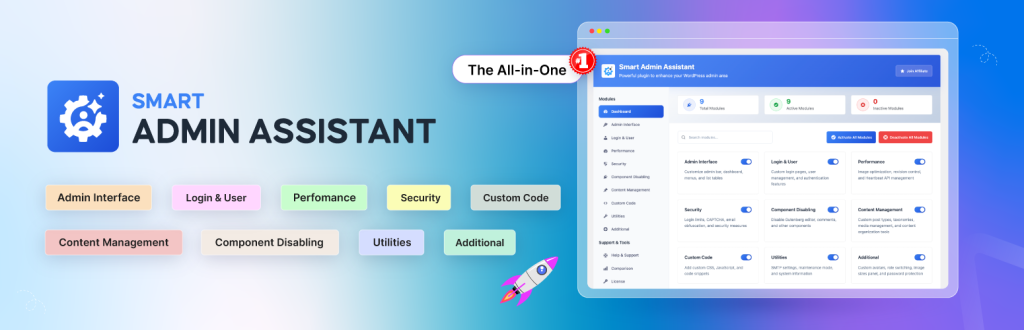
Smart Admin Assistant brings a dashboard assistant into your WordPress backend. It simplifies your admin workflows with menu and dashboard customization, a custom login URL, post duplication, and many more. Also, it provides 70+ unique and essential features.
This plugin provides a complete, all-in-one solution that combines multiple functionalities into a single, streamlined tool.
Best for handling tasks such as branding, dashboard customization, admin bar tweaks, and widget controls. Plus, instead of installing and managing several separate plugins, you get everything bundled into one integrated package.
Key Features:
- Clean, customizable dashboard
- Hide admin bar and notices
- Menu and layout control
- One-click duplication
- Auto excerpts and missed post recovery
- SVG upload with role control
- External URL and permalink control
- Enhanced list tables and media scrolling
- Custom footer and body class tweaks
- Advanced login & user management
- Revision and API limits
- Auto database cleanup
- HTML minification and caching
- Preload critical resources
- Advanced security features
- Component disabling, Maintenance mode, Custom Code
Best For:
This plugin is best for anyone who wants complete control over their WordPress admin experience, without relying on multiple tools. It is also ideal for beginners, agencies, developers and site owners who value performance, security, and customization.
2. Admin and Site Enhancements (ASE)
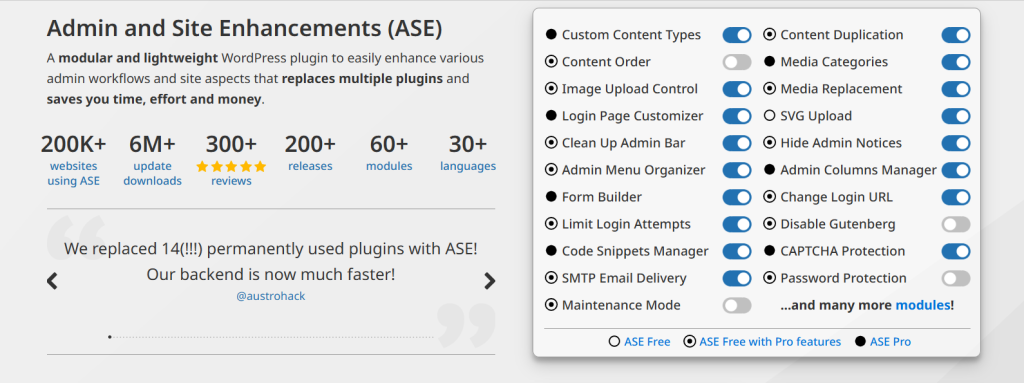
ASE is a modular plugin packed with over 68 modules. You can disable unused features, rename menu items, hide widgets and tweak the dashboard layout. It’s lightweight, performance-friendly and perfect for developers who want granular control without bloating their site.
Key Features:
- Register CPTs, taxonomies, fields and options pages
- Frontend posting forms
- Duplicate posts/pages by role
- Custom post and term ordering
- Media categories and replacement
- SVG/AVIF upload support
- Public preview for drafts
- External permalinks and link behavior
- Auto-publish missed schedule posts
- Clean admin bar, notices, dashboard widget
- Hide the admin bar by role
- Admin logo and footer branding
- Menu and column editor
- Taxonomy filters and list table enhancements
- Infinite media scroll and plugin sorting
- Dashboard layout and body class tweaks
Best For:
ASE Pro is perfect for WordPress users who want to simplify admin work, improve security, manage content easily and cut down on plugin overload, all in one light, flexible tool.
Get Admin and Site Enhancements (ASE)
3. White Label CMS
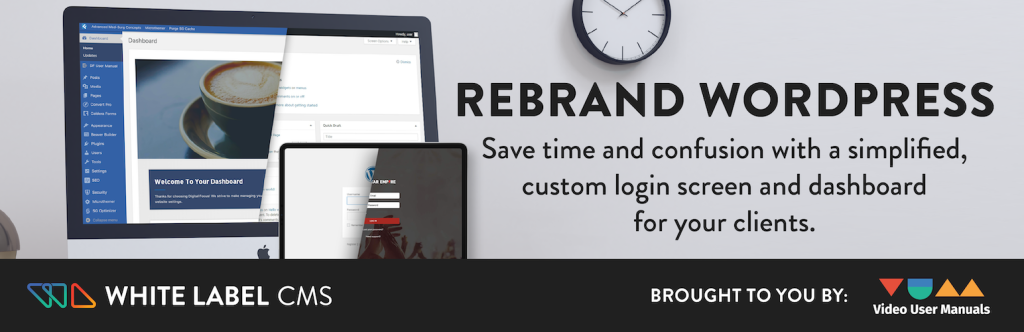
White Label CMS is another premium WordPress plugin that allows customization of the admin dashboard. It can replace WordPress branding with custom logos, modify menu items and adjust the interface to suit different user needs.
The plugin includes options to edit the login page, add custom dashboard widgets, and manage tool visibility by user role. It also provides a welcome panel feature for adding messages, links, or instructions directly on the dashboard.
Key Features:
- Customizable login page with logo, background, and CSS options
- Branded header, footer, and admin bar
- Personalized dashboard panels and widgets
- RSS feed integration and custom dashboard templates
- Menu visibility control by user roles
- Quick setup with the White Label CMS Wizard
Best For:
If you develop websites for clients, White Label CMS is an excellent way to make the WordPress admin area look refined and cohesive. This plugin is particularly valuable for agencies and freelancers.
4. Ultimate Dashboard
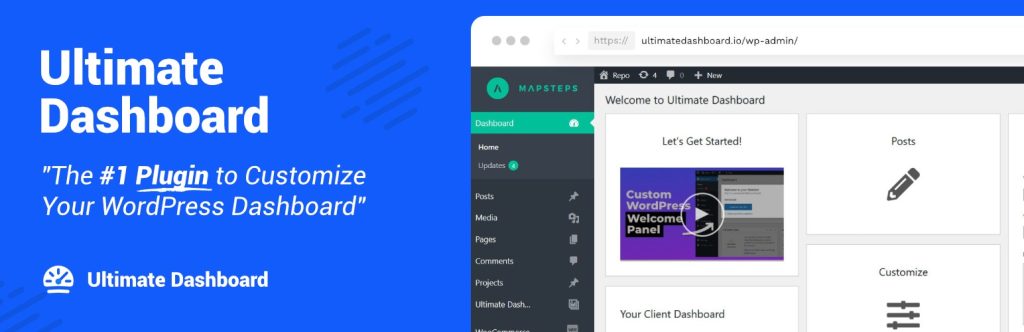
Ultimate Dashboard focuses on decluttering. It lets you remove default widgets and add custom ones, giving you full control over the dashboard layout. With a drag-and-drop editor and support for custom icons, it’s perfect for creating a clean, distraction-free admin experience.
Key Features:
- Remove default WordPress dashboard widgets.
- Create your own icon, text, and HTML widgets.
- Customize the login screen with custom branding.
- Set login redirects and hide the /wp-admin/ URL for certain users.
- Add custom CSS to the dashboard, admin area, or login page.
- Create custom admin pages and menu items.
- Export and import widgets and settings.
- Clean and white label the entire admin interface.
Best For:
Ultimate Dashboard is best for agencies, freelancers, and site managers. It helps create a branded admin area. Also, it makes WordPress dashboards easier for clients to use.
5. Better Admin Bar
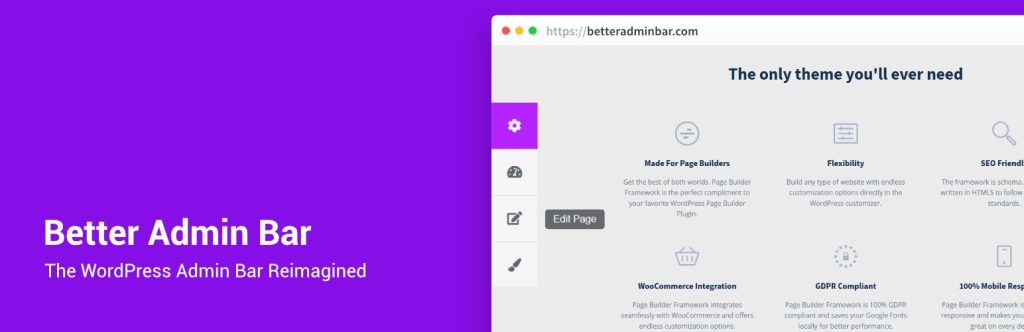
Better Admin Bar is a WordPress plugin that enhances the admin bar’s appearance and functionality for logged-in users. It adds a Quick Access Panel for faster navigation. You can hide or auto-hide the admin bar for all users or just specific roles.
It can remove the top gap, fix overflowing menu items, and let you change the bar’s opacity. Hide the admin bar on small screens.
The PRO version also brings custom links, page builder support, user role limits, multisite, and WooCommerce features.
Key Features:
- Quick Access Panel for fast navigation.
- Hide the admin bar for all users or for specific roles.
- Auto-hide option for the admin bar.
- Remove the 32px top gap from the frontend.
- Fix menu items that overflow in the admin bar.
- Hide the admin bar on smaller screens.
- Change admin bar opacity, including on hover.
- Add custom links to the admin bar.
- Support for page builders.
- Limit access by user roles.
- Support for custom post types.
- Sign-out widget.
- WordPress multisite compatibility.
- WooCommerce integration.
Best For:
Better Admin Bar is best for site owners who want a cleaner, easier-to-use admin bar. It helps developers control user access and visibility. It is useful for multisite networks and WooCommerce stores.
Which is Best for You?
- If you need an all-in-one admin solution, Smart Admin Assistant offers a robust set of features for free, with enhanced options available in the premium version.
- ASE offers a comprehensive toolkit for replacing multiple plugins, but essential features require purchasing the premium version.
- The White Label CMS focuses on client branding and streamlined handoffs. While it lacks advanced functionality, it covers the basics for simple client needs.
- Ultimate Dashboard is perfect for those who prefer a clean, widget-free dashboard. Its lightweight nature and simple modules make it ideal for users looking for minimalism.
- Better Admin Bar is designed for anyone looking to refine their admin bar. It is a targeted, lightweight tool for removing clutter and adding navigation shortcuts to the WordPress toolbar.
Conclusion
Customizing your WordPress admin dashboard is one of the easiest ways to make your workflow faster, cleaner and more enjoyable. With the right plugin, you can remove clutter, boost productivity and tailor the backend to match your brand or your clients’ needs.
Each plugin in this list brings something unique to the table. Be it a powerful all-in-one toolkit, simple branding options or a cleaner navigation experience, just pick the one that matches your goals, install it and start building a dashboard that works the way you do.
Take a few minutes to explore these tools and transform your admin area into a space that feels smart, organized and truly yours. Enjoy the upgrade!
FAQs
Q1: How do I customize the WordPress admin dashboard?
You can customize the WordPress admin dashboard using an admin customizer plugin like Smart Admin Assistant. It lets you edit dashboard widgets, menus, login pages, admin bars and user roles – all from one place. Just install the plugin, enable the modules you want and personalize your WordPress backend in a few clicks.
Q2: What is the most popular WordPress admin dashboard plugin?
Smart Admin Assistant is one of the most popular WordPress admin dashboard customization plugins right now. It combines menu control, dashboard layout editing, login customization, security tools and workflow enhancements into a single plugin, reducing the need for multiple add-ons.
Q3: How do I organize my WordPress dashboard for better workflow?
You can organize your WordPress dashboard using tools that let you customize menus, hide unnecessary widgets, duplicate posts, add custom code, enhance login security, optimize your database and clean up clutter. Smart Admin Assistant is the easiest option because it offers all these features under one plugin.
Q4: What is the best WordPress dashboard editor plugin?
The best dashboard editor plugin for WordPress is Smart Admin Assistant, thanks to its all-in-one capabilities. It gives you full control over dashboard layouts, admin menus, login branding, role-based access and performance tweaks – ideal for site owners, developers and agencies.
Q5: Do WordPress admin customization plugins slow down the website?
Most modern WordPress admin customizer plugins are optimized for performance. Plugins like Smart Admin Assistant and Admin and Site Enhancements (ASE) even let you disable unnecessary WordPress components to speed up the backend. As long as you avoid feature overlap between plugins, your website performance stays fast.
Q6: Can I use multiple WordPress admin dashboard plugins together?
Yes, but use them carefully. Using multiple admin customization plugins that modify the same menus or widgets can cause conflicts. If you want a single plugin that handles everything such as dashboard widgets, admin bar, login page, cleanup, security; Smart Admin Assistant is the safest choice.
Q7: Are WordPress admin customizer plugins safe for client websites?
Yes. Plugins like Smart Admin Assistant, White Label CMS, and Ultimate Dashboard include role-based access control and branding tools, making them perfect for client handovers. They help you deliver a clean, branded, easy-to-manage WordPress backend.
Q8: Can I reset my WordPress dashboard to default settings?
Absolutely. All admin customization plugins allow you to turn off modules or uninstall the plugin to restore the default WordPress dashboard. Your site content remains safe during the reset.
Q9: Which WordPress admin plugin is best for beginners?
Smart Admin Assistant is the best admin dashboard plugin for beginners because it provides simple controls, presets, and an intuitive interface. If you only need basic widget removal or layout cleanup, Ultimate Dashboard is another beginner-friendly option.
Q10: Which WordPress admin customization plugin is best for agencies?
Agencies prefer Smart Admin Assistant and White Label CMS because they offer client branding, custom dashboards, user-role-based visibility and professional handoff tools. These plugins help agencies create a polished, branded WordPress experience for clients.
Q11: Can WordPress admin plugins improve backend security?
Yes. Many WordPress admin plugins offer security features like custom login URLs, CAPTCHA, rate limiting, admin bar restrictions, and component disabling. Smart Admin Assistant and Admin and Site Enhancements (ASE) include several built-in security enhancements to protect your dashboard from unauthorized access.
Q12: Are premium WordPress admin plugins worth buying?
Premium versions are worth it if you manage many websites or need advanced dashboard customization. Paid upgrades unlock features like custom admin pages, role-based dashboards, advanced branding, database optimization, caching and enhanced security tools.