

Getting your website to rank well in search engine results is not always easy. Even if you publish high-quality content, poor SEO settings can limit your visibility and reduce organic traffic. Many WordPress users also struggle to manage technical SEO tasks such as meta tags, XML sitemaps and schema markup.
The good news is that the best SEO plugins for WordPress websites make search engine optimization much simpler. These plugins help automate important SEO tasks, improve your website's performance and save valuable time.
In this guide, you'll discover the top SEO plugins, compare their features and learn how to choose the right one for your WordPress website.
How SEO Plugins Help Your WordPress Website
An SEO plugin is a WordPress plugin that helps improve your website's visibility in search engines.
Instead of manually editing code or configuring technical settings, an SEO plugin provides easy-to-use tools that simplify optimization.
Most SEO plugins allow you to:
- Edit SEO titles
- Write meta descriptions
- Generate XML sitemaps
- Add schema markup
- Optimize social sharing
- Manage redirects
- Improve on-page SEO
- Monitor indexing
- Connect with Google Search Console
Many plugins also analyze your content and provide recommendations for improving readability and keyword usage.
Whether you run a personal blog, business website or online store, an SEO plugin helps improve your website's search performance without requiring advanced technical knowledge.
Key Features to Look for in an SEO Plugin
Not every SEO plugin offers the same functionality. Before choosing one, compare these important features.
Easy Setup Wizard
A good SEO plugin should be easy to install. Many plugins now include setup wizards that automatically configure basic SEO settings. This helps beginners avoid common mistakes.
Meta Title and Description Editor
Every page should have a unique SEO title and meta description. Choose a plugin that allows you to customize both. A good editor also provides:
- Character count
- Pixel preview
- Search result preview
These tools help optimize click-through rates.
XML Sitemap Generation
Search engines use sitemaps to discover your pages. A quality SEO plugin should automatically generate:
- XML sitemaps
- Image sitemaps
- Video sitemaps
- News sitemaps (where applicable)
Automatic updates save time whenever you publish new content.
Schema Markup
Schema helps search engines understand your content. It can improve your chances of earning rich results. Useful schema types include:
- Article
- FAQ
- Product
- Organization
- Local Business
- Recipe
- Review
- Event
Built-in schema support reduces the need for additional plugins.
Redirect Manager
Pages sometimes change URLs. Without redirects, visitors may encounter 404 errors. A redirect manager helps preserve SEO value by forwarding visitors to the correct pages.
Keyword Optimization
Modern SEO plugins often include content analysis tools. These help optimize:
- Focus keyword
- Keyword density
- Headings
- Image alt text
- Internal links
- External links
The goal is to improve content quality rather than simply increasing keyword usage.
Social Media Integration
Your SEO plugin should support social platforms such as:
- X
This allows you to customize how your content appears when shared.
WooCommerce SEO
If you operate an online store, WooCommerce compatibility is essential. Good SEO plugins help optimize:
- Product pages
- Categories
- Product schema
- Product metadata
This improves product visibility in search results.
Google Search Console Integration
Many plugins connect directly with Google Search Console. This helps monitor:
- Indexing
- Search performance
- Crawl issues
- Keyword rankings
Having this information inside WordPress simplifies website management.
Performance
An SEO plugin should improve your website, not slow it down. Choose plugins that are:
- Lightweight
- Well-coded
- Regularly updated
- Compatible with your theme
Performance always matters.
Best SEO Plugins for WordPress Websites
Let's explore some of the best SEO plugins available today. Each one offers different strengths depending on your website and experience level.
1. Rank Math
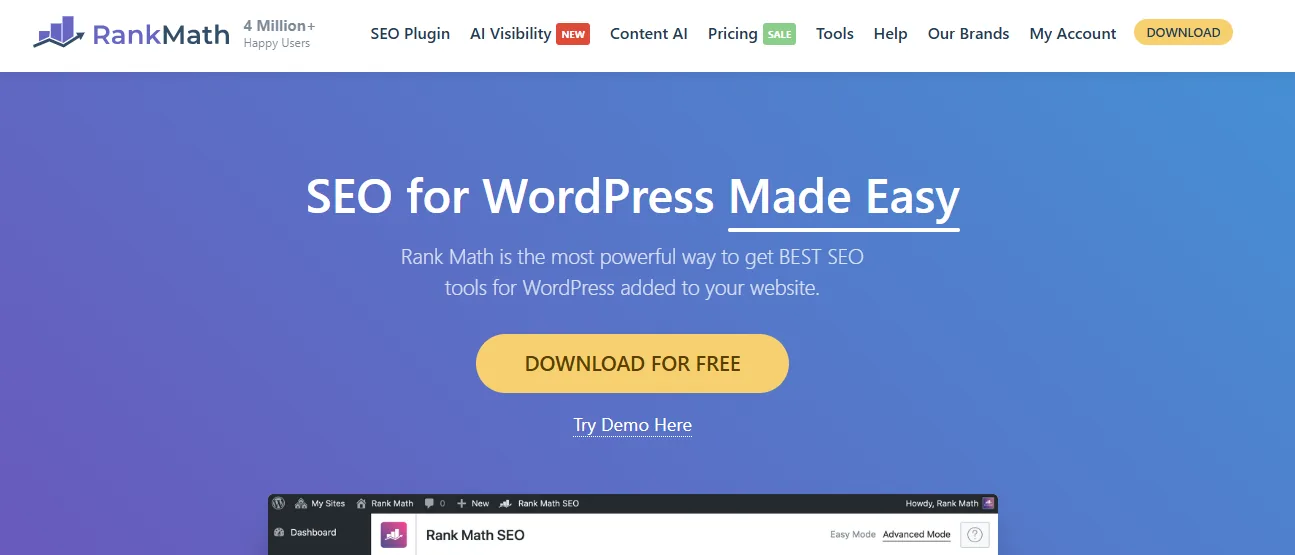
Rank Math has quickly become one of the most popular SEO plugins for WordPress. It combines a modern interface with powerful optimization tools while remaining easy to use for beginners.
One reason many users choose Rank Math is that it includes numerous premium features in its free version.
The plugin offers:
- Content optimization
- Schema generator
- XML sitemaps
- Redirect manager
- 404 monitoring
- Local SEO
- WooCommerce SEO
- Google Search Console integration
Its clean interface makes managing SEO much easier. Rank Math also provides detailed content analysis. As you write, the plugin suggests improvements for:
- Titles
- Meta descriptions
- Keywords
- Headings
- Readability
- Internal links
These recommendations help improve your pages before publishing.
Key Features
- SEO setup wizard
- XML sitemap
- Schema generator
- WooCommerce SEO
- Local SEO
- Redirect manager
- 404 monitor
- Google Search Console integration
- Keyword optimization
- AI content assistance
Best For
- Beginners
- Bloggers
- Business websites
- WooCommerce stores
- Agencies
- SEO professionals
Pricing
Free Version: Yes. Premium Price: Starts at $71.88/year (Rank Math Pro).
2. Yoast SEO
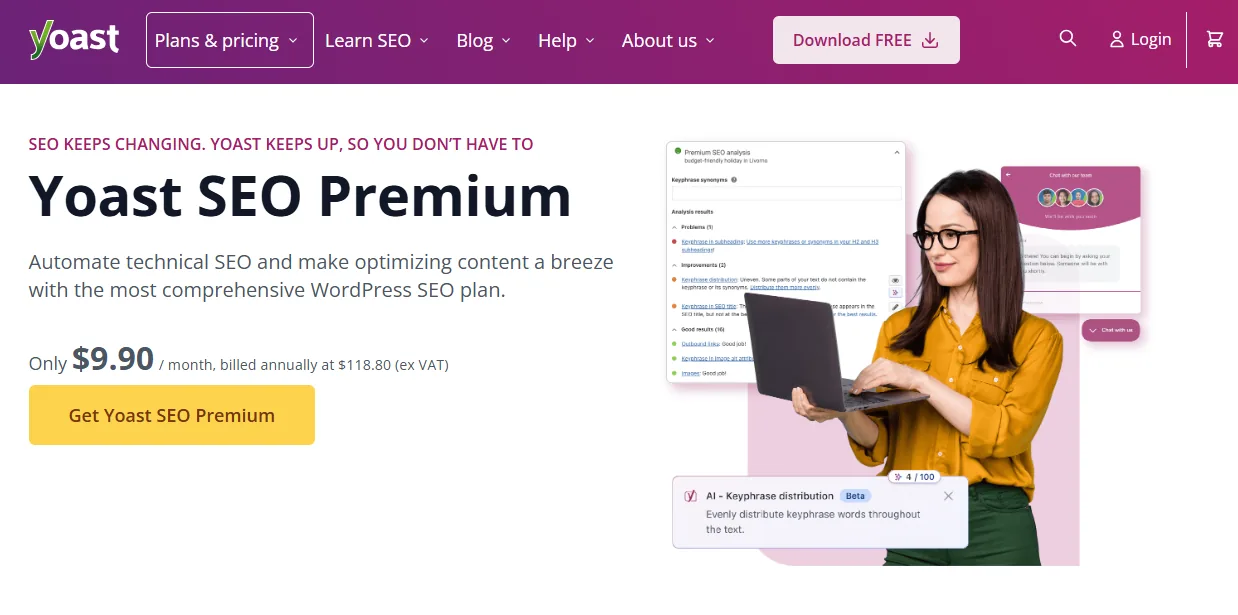
Yoast SEO has been one of the most trusted WordPress SEO plugins for many years.
Millions of websites rely on it to manage technical SEO and on-page optimization.
Its biggest strength is simplicity.
The plugin uses a clear traffic-light system to indicate whether your content is optimized.
Green generally indicates good optimization, while orange and red suggest areas for improvement.
Yoast also includes helpful readability analysis.
It reviews:
- Sentence length
- Passive voice
- Transition words
- Paragraph length
- Subheading usage
This encourages writers to produce content that is easier to read.
Key Features
- Readability analysis
- SEO analysis
- XML sitemaps
- Schema support
- Breadcrumbs
- Canonical URLs
- Social media integration
- Redirect manager (Premium)
Best For
- Beginners
- Bloggers
- Small businesses
- Content publishers
- WordPress users new to SEO
Pricing
Free Version: Yes. Premium Price: Starts at $99/year (Yoast SEO Premium).
3. All in One SEO
All in One SEO (AIOSEO) is one of the oldest and most trusted SEO plugins for WordPress. It provides a complete set of optimization tools suitable for beginners, bloggers, business websites and WooCommerce stores.
The plugin offers an intuitive dashboard that simplifies SEO management. You can optimize titles, meta descriptions, XML sitemaps and schema markup without editing code.
For businesses looking to improve local search visibility, AIOSEO also includes Local SEO features. WooCommerce users can optimize product pages, categories and product schema to improve their search appearance.
Key Features
- SEO setup wizard
- XML sitemaps
- Schema markup
- Local SEO
- WooCommerce SEO
- Redirect manager
- Link Assistant
- Social media integration
- Robots.txt editor
Best For
- Business websites
- Bloggers
- WooCommerce stores
- Local businesses
- Beginners
Pricing
Free Version: Yes. Premium Price: Starts at $49.50/year (Basic Plan).
4. SEOPress
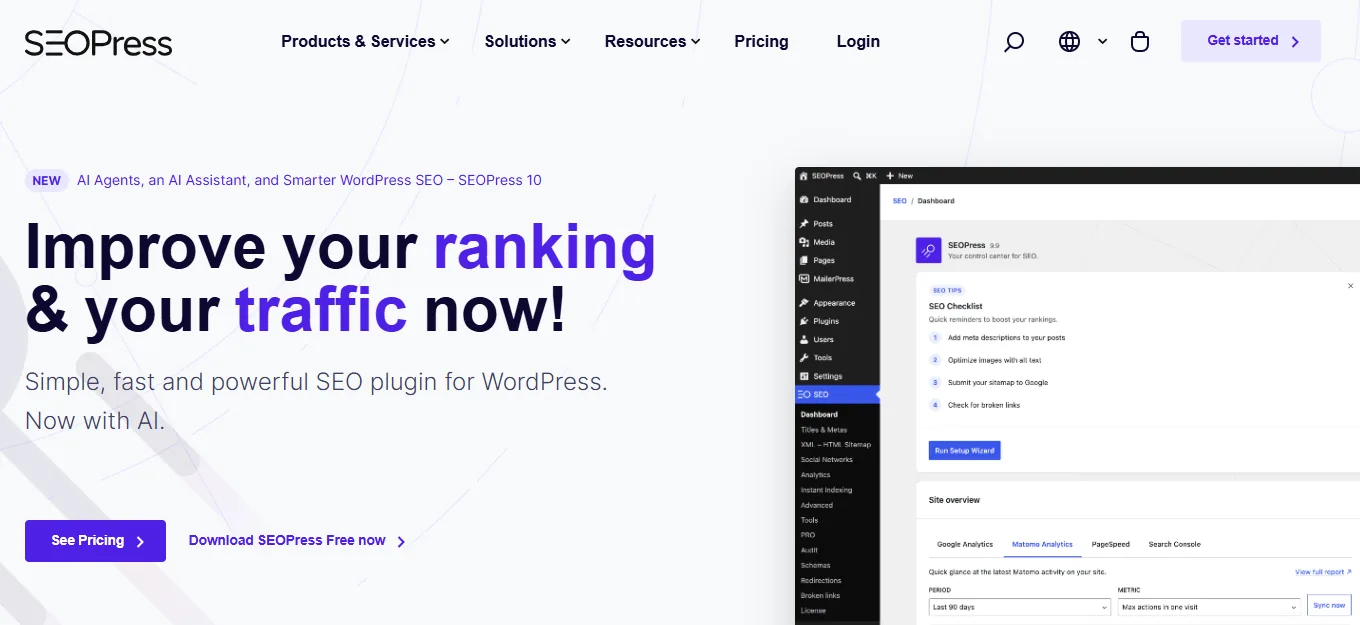
SEOPress is a lightweight SEO plugin designed for users who want powerful features without unnecessary complexity. Unlike some SEO plugins, SEOPress provides a clean interface with no advertisements inside the dashboard.
It supports all the essential SEO tools needed to improve search visibility, including XML sitemaps, schema markup, redirects and social media optimization. Developers also appreciate its flexibility and white-label capabilities.
Key Features
- XML & HTML sitemaps
- Schema generator
- Google Analytics integration
- WooCommerce SEO
- Redirect manager
- Breadcrumbs
- White label
- Local SEO
- Robots.txt editor
Best For
- Agencies
- Developers
- WooCommerce stores
- Business websites
- Advanced users
Pricing
Free Version: Yes. Premium Price: Starts at $49/year (SEOPress Pro).
5. Slim SEO
Slim SEO focuses on automation. Instead of asking users to configure numerous settings, the plugin automatically handles many SEO tasks in the background.
This makes it an excellent choice for beginners who prefer a simple experience. Despite its lightweight design, Slim SEO still covers important SEO features such as meta tags, XML sitemaps and schema markup.
Key Features
- Automatic meta tags
- XML sitemap
- Schema markup
- Breadcrumbs
- Redirects
- Image SEO
- Lightweight performance
- Minimal configuration
Best For
- Beginners
- Bloggers
- Small business websites
- Personal websites
Pricing
Free Version: Yes. Premium Price: Starts at $39/year (Slim SEO Pro).
6. The SEO Framework

The SEO Framework is known for its speed and clean interface. It focuses on providing essential SEO features without advertisements or unnecessary distractions.
The plugin automatically generates optimized meta titles and descriptions while also supporting structured data, breadcrumbs and XML sitemaps. Many developers prefer this plugin because it is lightweight and highly customizable.
Key Features
- Automated SEO
- XML sitemap
- Schema support
- Breadcrumbs
- Canonical URLs
- Open Graph integration
- Lightweight code
- Fast performance
Best For
- Developers
- Bloggers
- Agencies
- Performance-focused websites
Pricing
Free Version: Yes. Premium Price: Starts at $84/year (Pro/Extension Manager).
7. Squirrly SEO

Squirrly SEO is designed for users who want real-time guidance while writing content. Instead of optimizing pages after publishing, the plugin provides live recommendations inside the WordPress editor.
It also includes keyword research, SEO audits and performance monitoring tools. This makes it especially useful for beginners who are still learning SEO.
Key Features
- Live SEO assistant
- Keyword research
- SEO audits
- Rank tracking
- Content optimization
- Focus keyword analysis
- Google Search Console integration
- AI-powered recommendations
Best For
- Bloggers
- Content marketers
- Beginners
- Small businesses
Pricing
Free Version: Yes. Premium Price: Starts at $29.99/month (Pro Plan).
8. WP Meta SEO
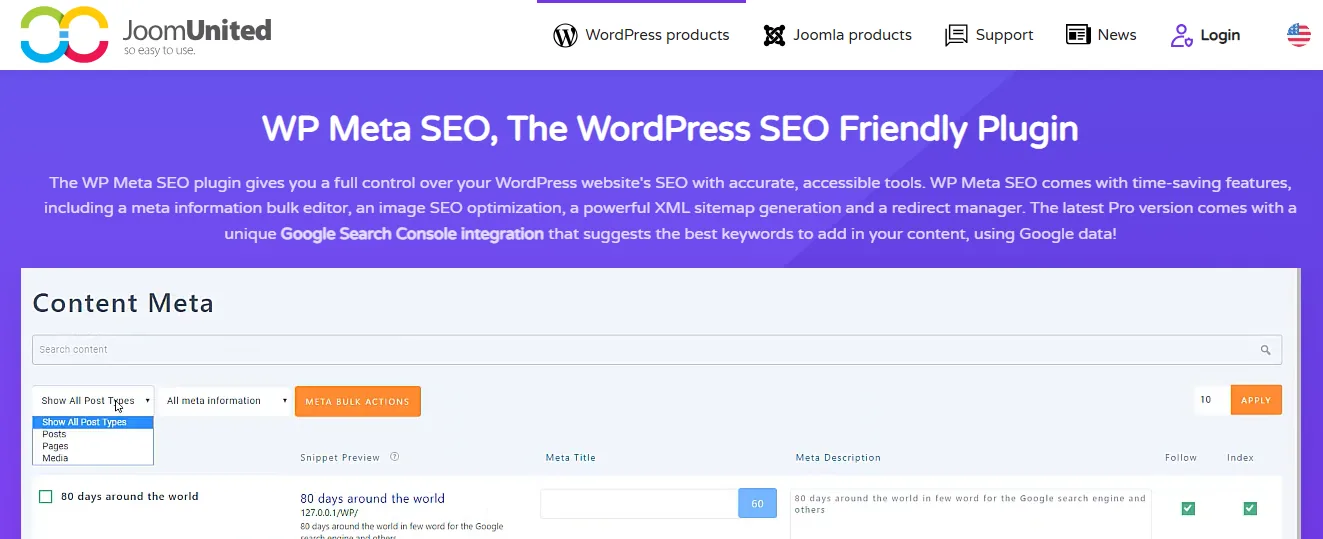
WP Meta SEO simplifies website optimization by allowing users to manage SEO settings in bulk. Instead of editing pages individually, you can update multiple meta titles and descriptions in a single interface.
The plugin also includes image SEO tools, sitemap generation and Google Search Console integration.
Key Features
- Bulk meta editor
- XML sitemap
- Image SEO
- Broken link checker
- Google Search Console integration
- Redirect manager
- 404 monitoring
Best For
- Large websites
- Content-heavy websites
- Agencies
- Business websites
Pricing
Free Version: Yes. Premium Price: Starts at $49/year (Pro Plan).
9. Broken Link Checker
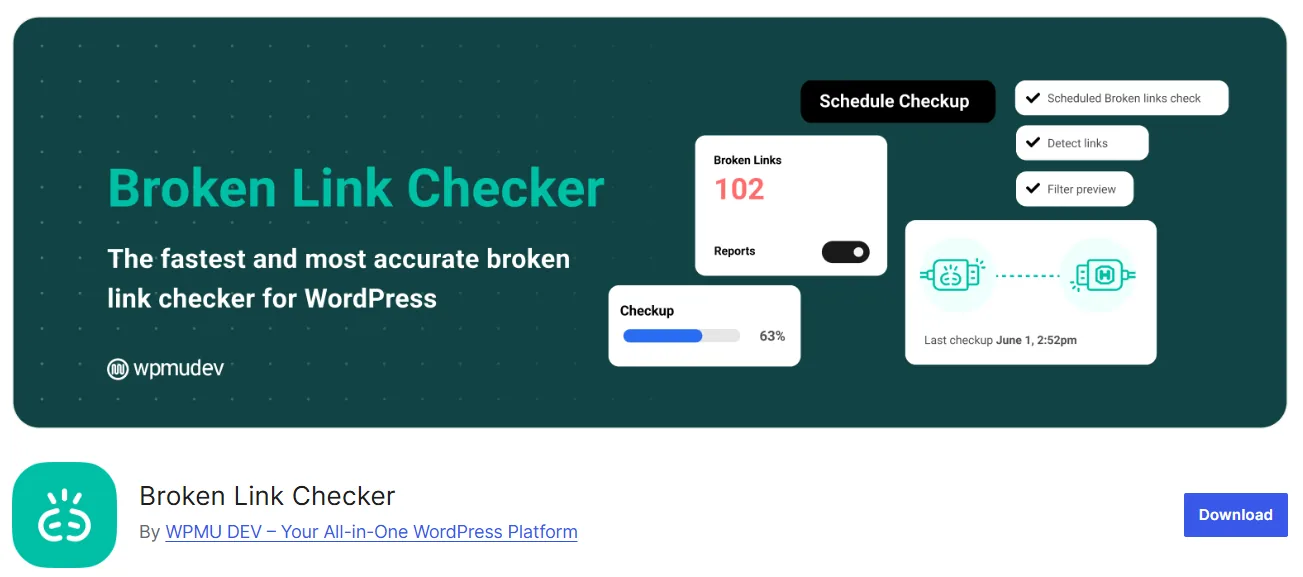
Although Broken Link Checker is not a complete SEO plugin, it plays an important role in maintaining website health. Broken internal and external links create poor user experiences and may affect SEO performance.
This plugin regularly scans your website and reports broken links so you can fix them quickly.
Key Features
- Broken link detection
- Internal link monitoring
- External link monitoring
- Email notifications
- Automatic link checking
Best For
- Blogs
- Business websites
- WooCommerce stores
- Large websites
Pricing
Free Version: Yes. Premium Version: Available with additional cloud-based features.
10. SmartCrawl
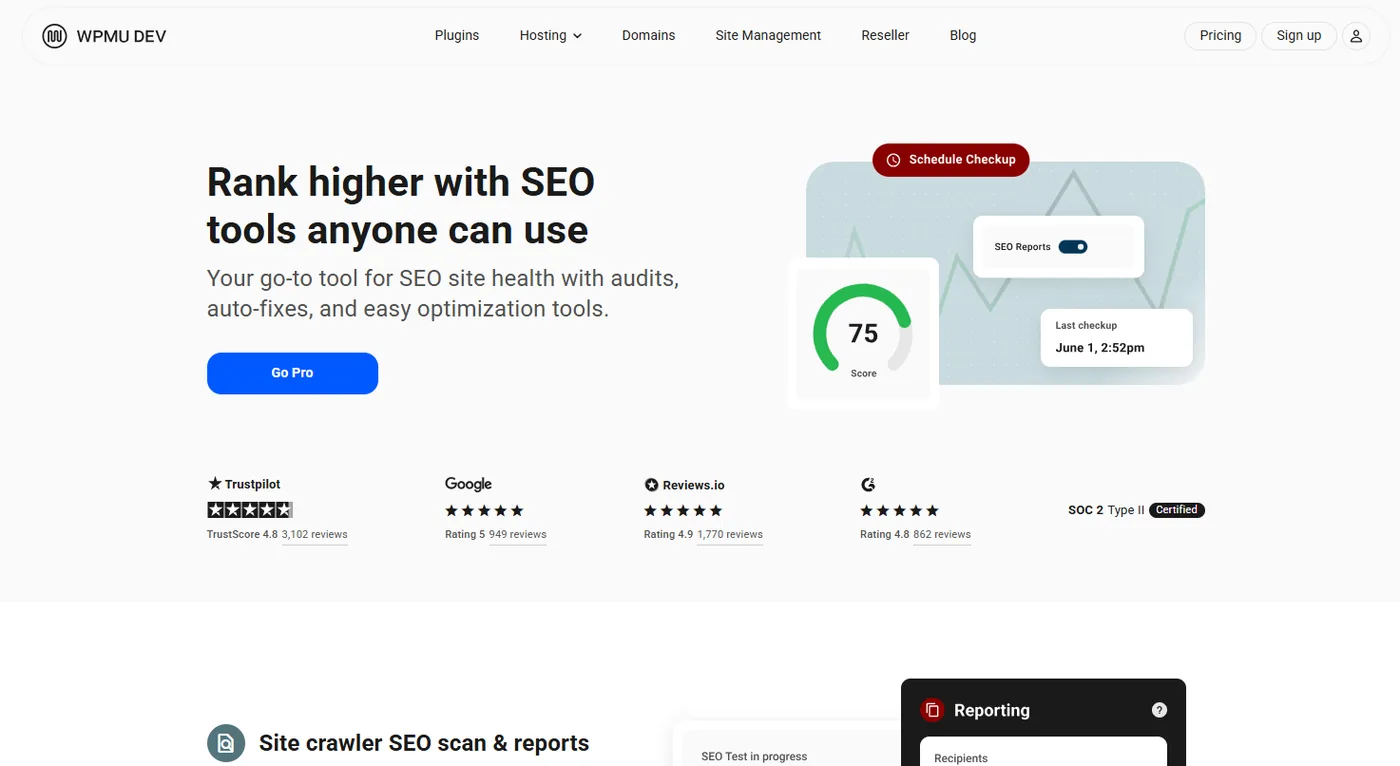
SmartCrawl is a user-friendly SEO plugin developed by WPMU DEV. It helps WordPress users improve their website's search engine visibility without having to deal with complex settings.
The plugin automatically manages many important SEO tasks, including meta tags, XML sitemaps, schema markup and keyword optimization. It also provides built-in site audits and SEO recommendations to help improve your website's performance.
SmartCrawl integrates well with WordPress and WooCommerce, making it a good choice for blogs, business websites and online stores.
Key Features
- SEO setup wizard
- XML sitemap generation
- Meta title and description editor
- Automatic schema markup
- Keyword optimization
- SEO audits
- Social media integration
- WooCommerce SEO support
- Automatic redirects
- Google Analytics integration
Best For
- Business websites
- Bloggers
- WooCommerce stores
- Small businesses
- Beginners
Pricing
Free Version: No. It is included with the WPMU DEV Membership, which starts at $7.50/month.
Updated Quick Comparison
| Plugin | Free Version | WooCommerce SEO | Best For |
|---|---|---|---|
| Rank Math | ✅ | ⭐⭐⭐⭐⭐ | All websites |
| Yoast SEO | ✅ | ⭐⭐⭐⭐☆ | Bloggers |
| All in One SEO | ✅ | ⭐⭐⭐⭐⭐ | Business websites |
| SEOPress | ✅ | ⭐⭐⭐⭐⭐ | Agencies |
| Slim SEO | ✅ | ⭐⭐⭐☆☆ | Beginners |
| The SEO Framework | ✅ | ⭐⭐⭐⭐☆ | Developers |
| Squirrly SEO | ✅ | ⭐⭐⭐⭐☆ | Content creators |
| WP Meta SEO | ✅ | ⭐⭐⭐⭐☆ | Large websites |
| Broken Link Checker | ✅ | N/A | Website maintenance |
| SmartCrawl | ✅ | ⭐⭐⭐⭐☆ | Business websites |
How to Choose the Right SEO Plugin
Choosing the right SEO plugin depends on your website's goals, your level of experience and the features you need. While most SEO plugins cover the basics, some offer advanced tools for businesses, online stores and agencies.
Here are the key factors to consider before making your decision.
Identify Your SEO Needs
Start by understanding what your website requires. Ask yourself questions such as:
- Do I need local SEO features?
- Do I run a WooCommerce store?
- Do I need schema markup?
- Do I manage multiple websites?
- Do I need redirect management?
- Do I want AI-powered SEO suggestions?
Choosing a plugin based on your actual needs will save time and reduce unnecessary features.
Compare Features
Not every SEO plugin includes the same tools. Look for important features such as:
- XML sitemaps
- Schema markup
- Redirect manager
- Breadcrumbs
- Robots.txt editor
- 404 monitor
- Social media integration
- Google Search Console integration
- WooCommerce SEO
A plugin with the right features will help simplify website optimization.
Consider Ease of Use
If you're new to SEO, choose a plugin with a simple interface and clear recommendations. Helpful features include:
- Setup wizard
- Content analysis
- Readability suggestions
- Easy dashboard
- Beginner-friendly settings
These tools make SEO much easier to understand.
Check Website Performance
An SEO plugin should improve your website without slowing it down. Choose plugins that are:
- Lightweight
- Well coded
- Frequently updated
- Compatible with your theme and plugins
Performance is an important part of both SEO and user experience.
Review Pricing
Many SEO plugins offer both free and premium versions. Before upgrading, compare:
- Features
- License type
- Number of websites
- Customer support
- Future upgrade costs
Sometimes the free version provides everything you need.
Read Customer Reviews
Customer reviews can help you understand how a plugin performs in real-world situations. Pay attention to:
- Ease of use
- Update frequency
- Customer support
- Performance
- Overall ratings
Plugins with strong reviews and active development are usually safer choices.
Why Your WordPress Website Needs an SEO Plugin
WordPress itself includes basic SEO features, but they are often not enough for modern websites. An SEO plugin fills those gaps by offering advanced optimization tools.
Here are some of the biggest benefits.
Better Search Engine Visibility
Search engines need to understand your website before they can rank it. SEO plugins help by generating:
- XML sitemaps
- Schema markup
- Clean metadata
- Canonical URLs
These features make it easier for search engines to crawl and index your pages.
Easier On-Page SEO
Every page should include:
- SEO title
- Meta description
- Focus keyword
- Proper headings
- Internal links
- Image alt text
Managing these manually can become difficult. SEO plugins provide simple editors that make optimization much faster.
Improved Technical SEO
Technical SEO plays an important role in search rankings. Most premium SEO plugins include tools for:
- Redirect management
- Robots.txt editing
- Breadcrumbs
- Canonical tags
- Schema markup
- Sitemap generation
These features help maintain a healthy website.
Content Optimization
Writing quality content is only part of SEO. Many plugins analyze your content while you write.
They may suggest improvements such as:
- Better keyword placement
- Shorter paragraphs
- Improved readability
- Additional internal links
- Better heading structure
These recommendations help improve both user experience and SEO.
Better Social Sharing
When someone shares your website on Facebook or X, you want your pages to look professional. SEO plugins allow you to customize:
- Social titles
- Featured images
- Social descriptions
This improves click-through rates from social media.
Time Savings
Without an SEO plugin, you would need multiple tools to manage:
- Sitemaps
- Metadata
- Schema
- Redirects
- Robots.txt
- Social sharing
One plugin can manage all these tasks from a single dashboard.
Tips for Getting the Most from Your SEO Plugin
Many website owners make simple mistakes that reduce SEO performance. Avoid these common problems.
Installing Multiple SEO Plugins
Using more than one SEO plugin can create conflicts. For example, two plugins may generate:
- Duplicate meta titles
- Duplicate XML sitemaps
- Duplicate schema markup
Choose one primary SEO plugin instead.
Ignoring Plugin Updates
SEO plugins receive updates to improve security and compatibility. Running outdated versions may lead to:
- Security issues
- Broken features
- Compatibility problems
Always keep your SEO plugin updated.
Skipping the Setup Wizard
Most SEO plugins include a setup wizard. Skipping this process may leave important SEO settings unconfigured. Take a few minutes to complete the initial setup.
Stuffing Keywords
Adding the same keyword repeatedly does not improve rankings.
Instead, focus on:
- Natural writing
- Helpful content
- Related keywords
- Clear headings
Good content always comes first.
Ignoring Readability
SEO is not only about search engines. Your content should also be easy for visitors to read.
Use:
- Short paragraphs
- Clear headings
- Simple language
- Bullet points
This improves both user experience and engagement.
Forgetting Image SEO
Images should include:
- Descriptive file names
- Alt text
- Proper compression
Image optimization can improve accessibility and page speed.
Not Monitoring Performance
Installing an SEO plugin is only the beginning.
Regularly monitor:
- Organic traffic
- Keyword rankings
- Click-through rate
- Indexing status
Use Google Search Console and Google Analytics to track progress.
Frequently Asked Questions
What is the best SEO plugin for WordPress?
Rank Math is one of the best SEO plugins because it offers advanced features, an easy-to-use interface and a generous free version. Other excellent options include Yoast SEO, All in One SEO and SEOPress.
Can I use two SEO plugins at the same time?
No. Using multiple SEO plugins can cause conflicts and duplicate SEO settings. Choose one plugin that meets your requirements.
Are free SEO plugins enough?
For many websites, yes. Free versions of plugins like Rank Math, Yoast SEO and All in One SEO include enough features for blogs, business websites and small online stores.
Which SEO plugin is best for WooCommerce?
Rank Math, All in One SEO and SEOPress provide excellent WooCommerce SEO features.
They help optimize:
- Product pages
- Product categories
- Product schema
- Product metadata
Do SEO plugins improve Google rankings?
SEO plugins do not directly improve rankings. Instead, they help optimize your website by improving technical SEO, metadata, structured data and overall content quality. Quality content and backlinks are still essential.
Is Rank Math better than Yoast SEO?
Both plugins are excellent. Rank Math offers more features in its free version, while Yoast SEO is known for its simple interface and strong readability analysis. The best choice depends on your website's needs.
Do beginners need an SEO plugin?
Yes. SEO plugins simplify optimization by providing easy-to-use tools, helpful recommendations and automated settings. They are suitable for users with little or no SEO experience.
Final Verdict
Choosing the best SEO plugin depends on your website, your experience level and your long-term goals.
If you only need basic optimization, a lightweight plugin may be enough. However, websites that require advanced features should look for solutions that include schema markup, redirect management, WooCommerce SEO, XML sitemaps and content analysis.
Among all the plugins discussed, Rank Math stands out as the strongest overall choice. Its free version includes many premium-level features, making it suitable for bloggers, business websites, online stores and SEO professionals.
That said, every plugin has its strengths.
For example:
- Yoast SEO is excellent for readability analysis and for beginners.
- All in One SEO is a strong option for business websites and WooCommerce stores.
- SEOPress offers a clean interface and powerful features for agencies.
- Slim SEO is ideal for users who prefer automatic optimization.
The best plugin is the one that fits your website's goals while making SEO easier to manage over time.
Conclusion
The right SEO plugins for WordPress can make website optimization much simpler. From managing meta tags and XML sitemaps to improving technical SEO and content quality, these tools help your website perform better in search results.
Before choosing a plugin, compare its features, ease of use, WooCommerce compatibility, performance and customer support. Taking the time to evaluate these factors will help you select the best solution for your website.
A reliable SEO plugin can simplify your workflow, save valuable time and support long-term growth. Combined with high-quality content and a solid SEO strategy, the right plugin will help your WordPress website attract more visitors and achieve better search engine visibility.

Strategic Content Writer for WordPress, Semantic SEO, and SaaS Audiences