If you have a WooCommerce shop and you want to grow your business, we are here to show you how to edit WooCommerce shop page with Elementor page builder.
In this article, we will show you the process to customize woocommerce shop page with elementor through a few simple steps. You have to be with us till end to learn the process.
I assume that you have installed WooCommerce and setup a shop page for your business. Lets show you the process of editing single product page.
There are a few simple steps to edit the shop page. You don’t have to be worried about this. We will use elementor woocommerce builder & elementor woocommerce theme.
The steps are given below:
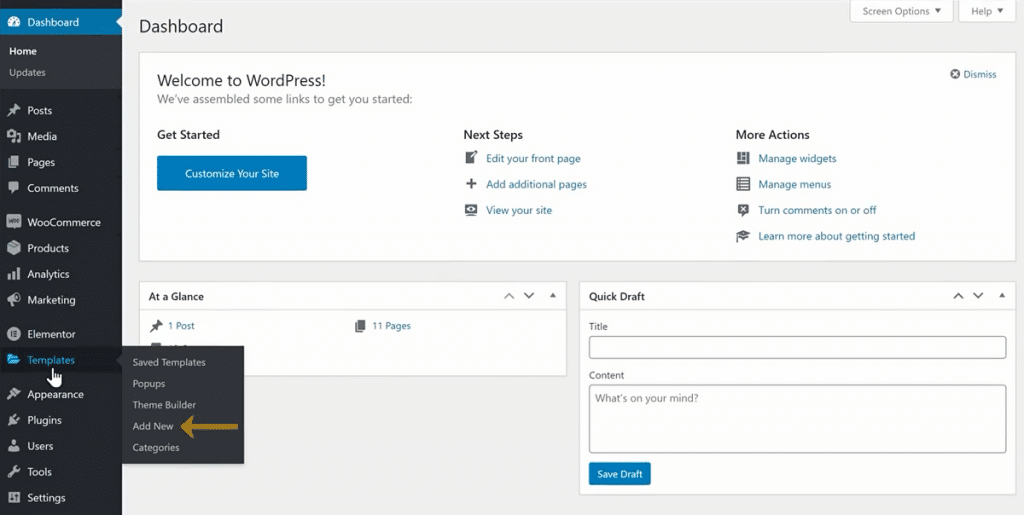
Step 1: Create the Single Product Template
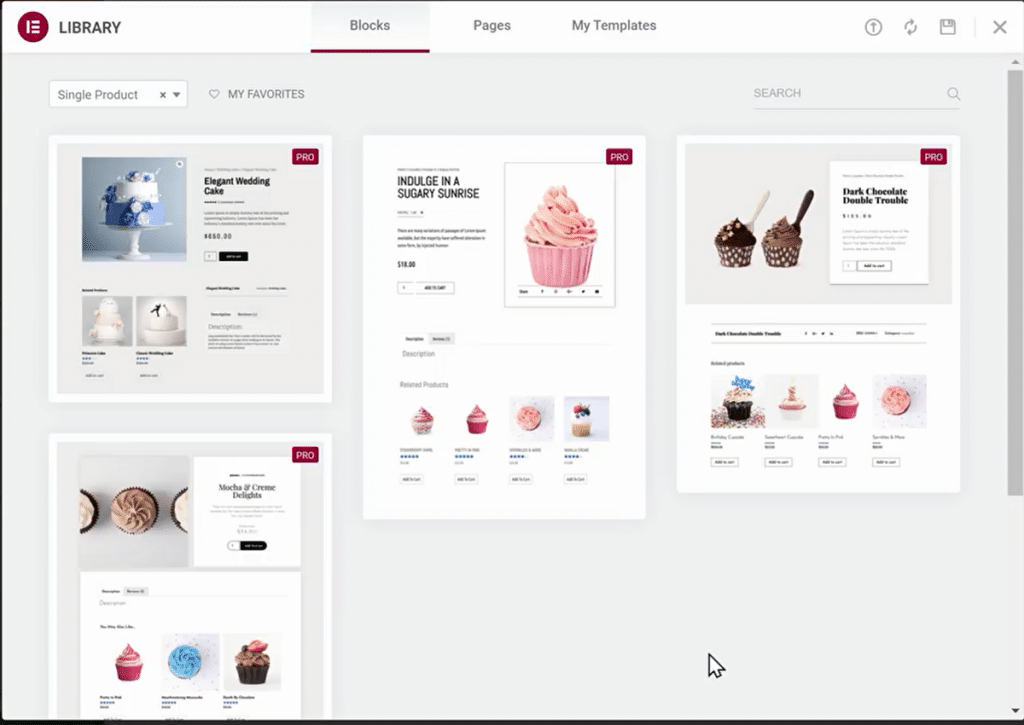
Step 2: Choose a Pre-Designed Woocommerce Template, or build one from scratch
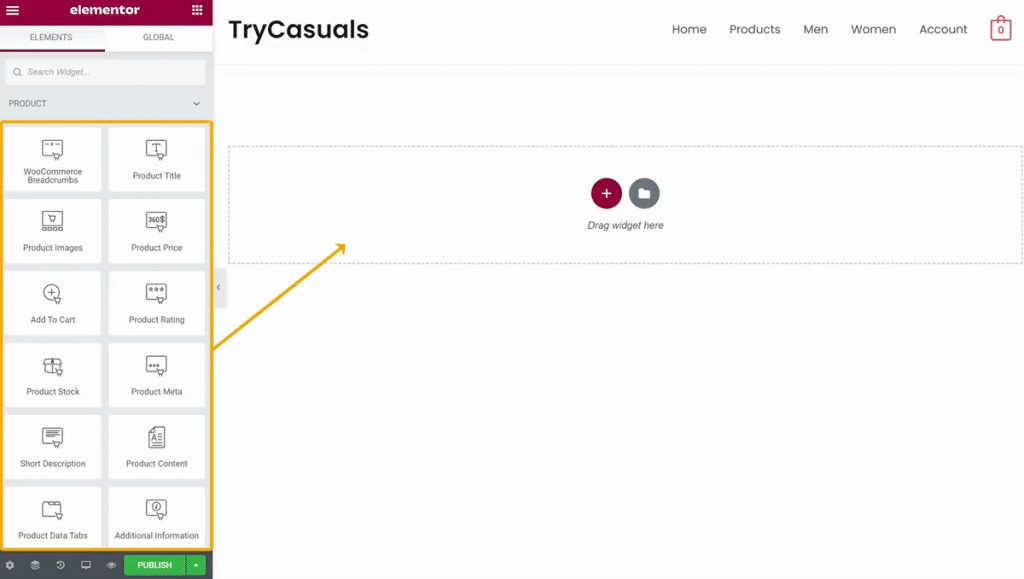
Step 3: Add the Product Widgets that will make up your page
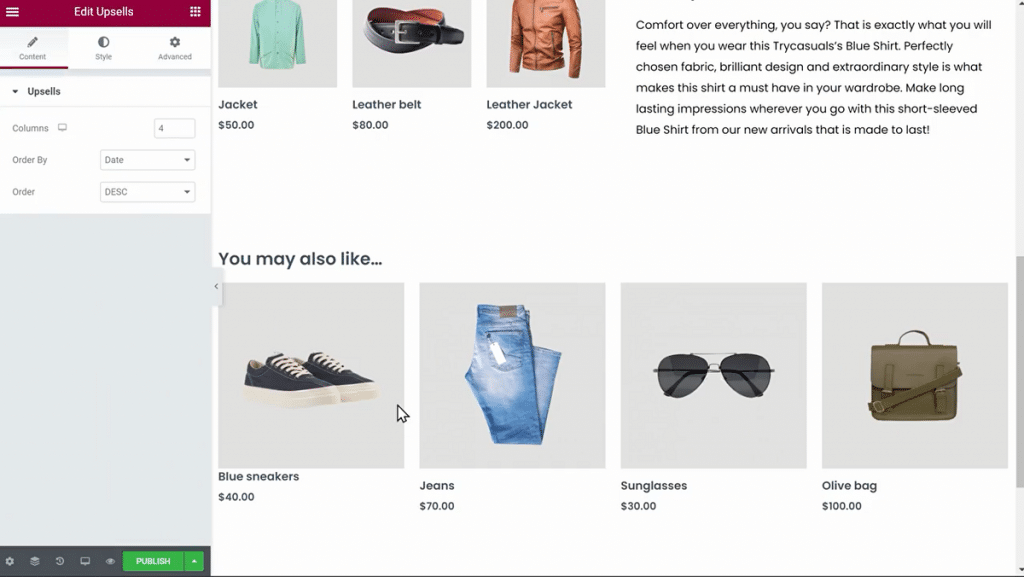
Step 4: Preview the Product Page With Another Product
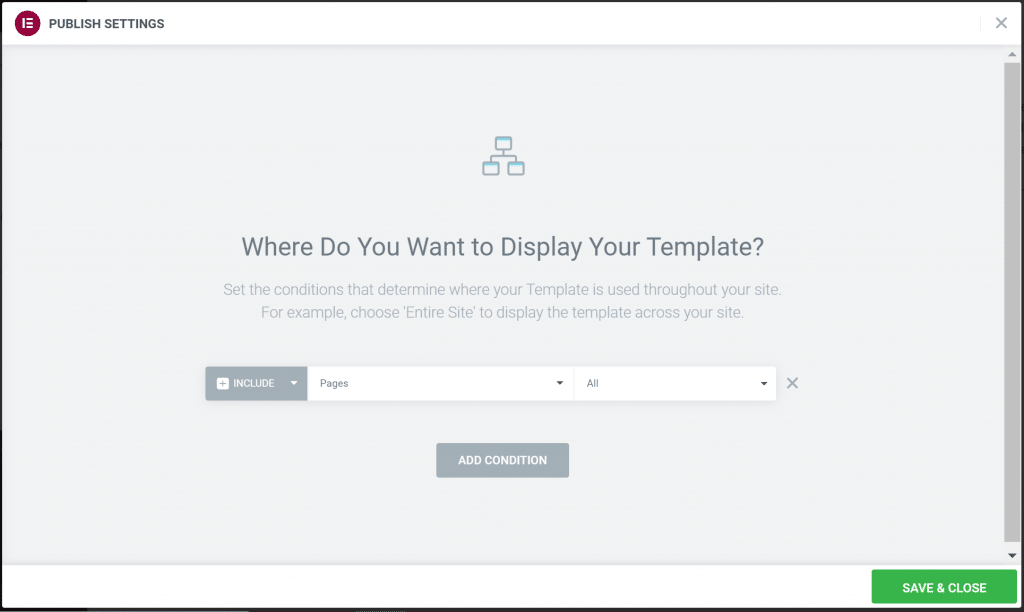
Step 5: Set the Conditions
Let’s get started!